Most AI content tools work in isolation. Generate an image in one tab, download it, re-upload it to a video tool, export, move to an editor, repeat for every asset. For anyone producing content at volume, that chain of manual steps between tools consumes hours that belong to creative work, not file management.
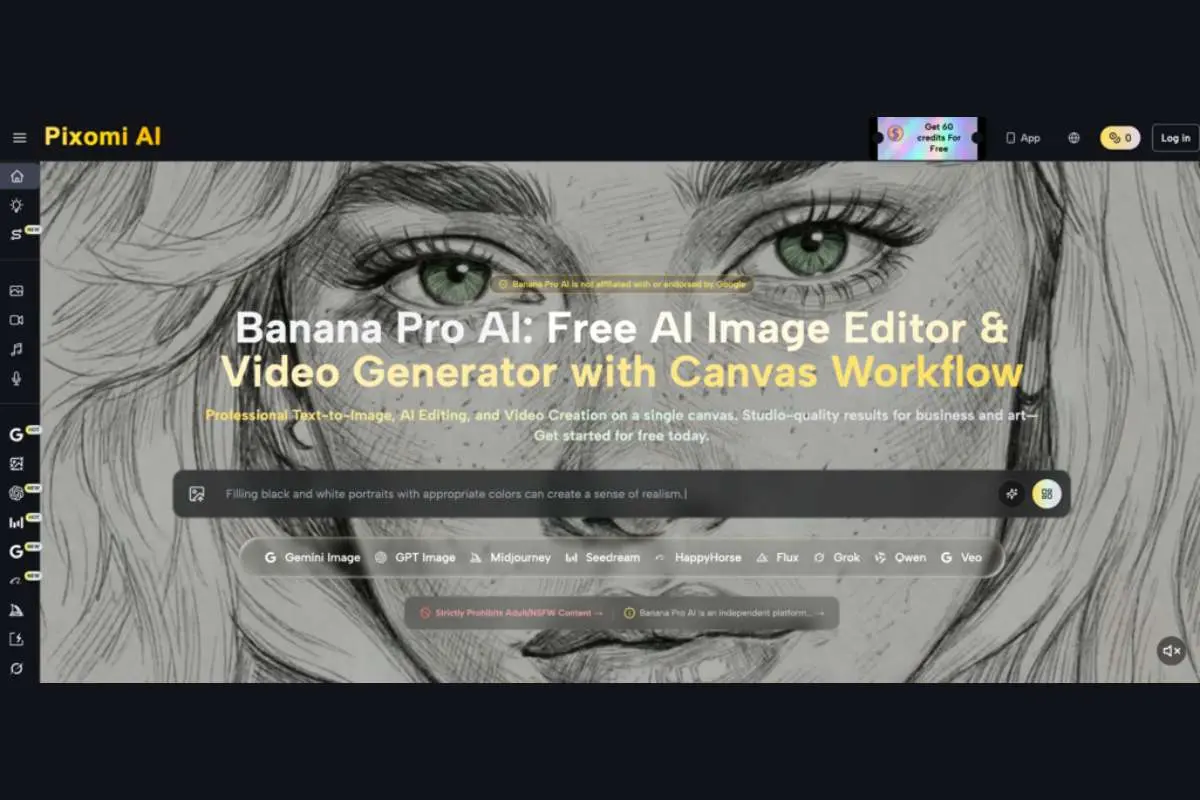
Pixomi AI’s AI Workflow Studio solves this at the foundation level. Build a node-based visual pipeline that runs from text prompt to finished image to broadcast-quality video — automatically, with no file transfers, no platform-switching, and no manual handoffs between steps. The Banana Pro AI platform provides the canvas free of charge: place nodes, connect them, and your entire creative pipeline runs in one click.
What is AI workflow studio?
AI Workflow Studio is a free, no-code, node-based visual canvas for building and running multi-step AI creative pipelines. Each node represents a specific AI operation — Image Generator, Video Generator, Text Prompt, or Asset Upload. Connect them by dragging lines between nodes, set parameters for each step, and the pipeline runs in sequence: the output of one node becomes the input of the next, automatically.
Every workflow is auto-saved in real time and reusable across future projects. Build a product’s visual pipeline once — hero image generation, style application, video animation — and apply it to every new product without rebuilding from scratch. The canvas is infinite and zoomable, with keyboard shortcuts, undo/redo history, and right-click context menus designed for efficient professional use.
Why choose AI workflow studio on Pixomi AI?
Pixomi AI isn’t just a workflow canvas — it’s a complete AI creative production platform, and AI Workflow Studio is where the full suite comes together in one automated pipeline.
Full-suite creative production in one place
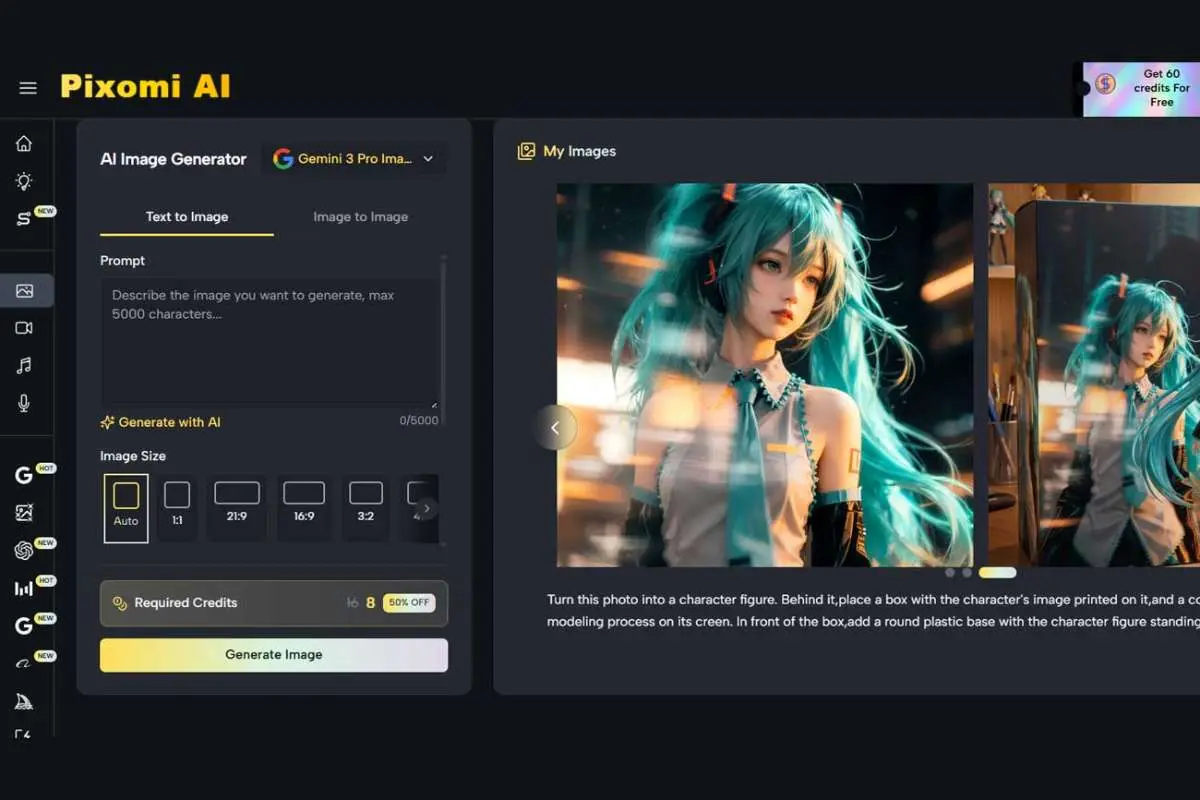
Most AI tools solve only one piece of the creative production puzzle. Pixomi AI covers the entire workflow from inspiration to finished output in a single interface:
- Prompt to Visual — Banana Prompt feeds visually verified prompts directly into canvas Text nodes with one click; AI Image Generator runs 14+ models (Gemini 3 Pro, GPT-4o Image, Flux Kontext, Seedream, and more) as individual canvas nodes, generating in 5–12 seconds
- Image to Video, Automated — AI Workflow Studio is the canvas itself: connect Image Generator nodes directly to Veo video nodes and run Text → Image → Video pipelines automatically; AI Video Generator uses Veo 3.1 Premium & Basic and Veo 3 Premium & Basic as connectable canvas nodes
- Audio, Voice & Music — AI Music Generator produces two royalty-free tracks per request to score any video created through the workflow; AI Voice Generator adds Seed Audio 1.0 narration to completed video projects from the same platform session
AI Workflow Studio works best as the connective layer across Pixomi AI’s full production suite. Pull a Banana Prompt as the starting text node, generate the hero image with a Gemini 3 Pro node, feed it directly into a Veo 3.1 Video node, score the output with a Music Generator track, and add Voice Generator narration — a complete content production pipeline triggered from one canvas, with zero file management between stages.
Node-based visual building — no code required
Building a pipeline is as intuitive as drawing connections between ideas. Place nodes, drag connection lines between them, and the system validates compatibility automatically — flagging mismatched node types before generation without requiring any technical knowledge. No APIs, no scripts, no configuration files.
Batch generation and reusable templates
Each Image node supports up to 4 simultaneous variations per prompt. The “Based on This” feature creates a new derived node from any output for rapid iteration. Save completed workflows as reusable templates — a pipeline built once for a product campaign deploys to every future campaign with a single click.
Free to start, plans that scale
- Free Plan — 10 credits on login + 60 weekly check-in credits; full canvas access with no credit card required
- Starter ($8.3/month yearly) — 2,400 credits/year: up to 2,400 images, 160 videos, 400 songs, HD watermark-free downloads
- Popular ($30.0/month yearly) — 21,600 credits/year for consistent professional-volume workflows
- Best Value ($49.9/month yearly) — 48,000 credits/year for agency-scale production
All paid plans include private generation, ad-free experience, unlimited storage, and full commercial licensing on every output.
How AI workflow studio works?
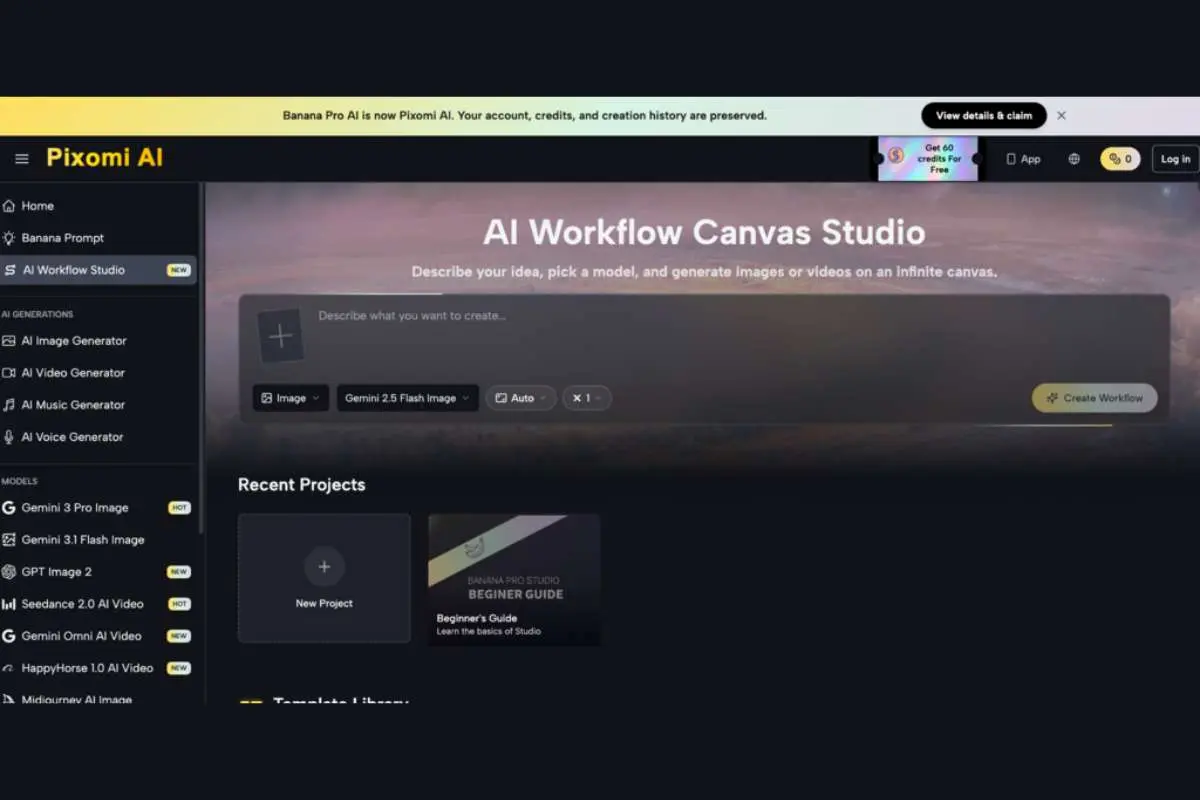
Step 1 — Create a project and open the canvas
Visit the Banana Pro AI platform and open AI Workflow Studio. Create a new project from the dashboard — the canvas opens with auto-save active from the first node placement. The workspace is infinite and zoomable, with keyboard shortcuts matching professional design tool conventions.
Step 2 — Place and configure nodes
Drag nodes from the sidebar onto the canvas: Image Generator, Video Generator, Text Prompt, or Asset Upload. For each node, select the AI model from the dropdown, set resolution (up to 4K), aspect ratio, and batch count.
Step 3 — Connect nodes and define the pipeline
Drag from one node’s output handle to another’s input handle to create connections. Build linear pipelines or branch one output into multiple parallel nodes for simultaneous comparison. Invalid connections are flagged automatically before generation.
Step 4 — Run, compare, and export
Hit Generate to trigger the pipeline. Preview all outputs on the canvas simultaneously, compare variations, use “Based on This” for iterative refinement, and export finished assets in HD watermark-free format. Save the complete workflow as a reusable template for future production.
Who benefits from AI workflow studio?
- E-commerce Brands & Sellers — Build product visual pipelines that process new product photos through style application and video animation automatically. New product listings are visually complete in minutes, not days.
- Marketing Teams & Agencies — Create reusable campaign pipelines producing complete image and video asset sets from a single brief. One workflow that eliminates manual production for every future campaign.
- Content Creators Publishing at Volume — Automate the full content production chain from concept to image to video. Consistent high-quality output at publishing volume without proportional time investment.
- Designers & Creative Professionals — Prototype complete visual concepts and present multi-format creative directions to clients before any production commitment. More options, faster approval, less production risk.
Conclusion
The creative production bottleneck has never been a shortage of ideas — it’s been the hours required to execute them across disconnected tools. AI Workflow Studio removes that bottleneck permanently, replacing manual multi-platform workflows with automated, visual, node-based pipelines running on the world’s best AI models — free to build and free to run.
Pixomi AI brings Workflow Studio together with Banana Prompt, Image & Video Generation, AI Music Generator, and AI Voice Generator — all free to start and commercially licensed by default. Build your pipeline once. Run it forever.