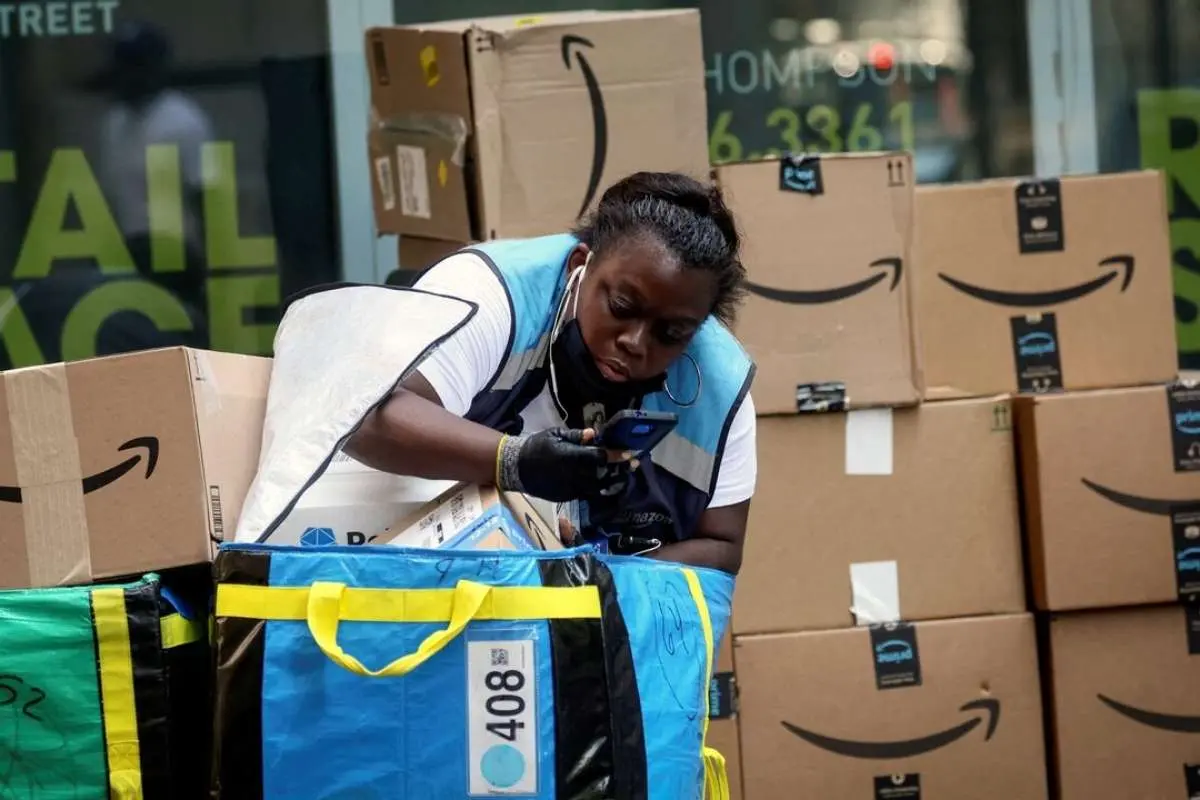
Amazon Labor Day deals are designed to create urgency, but a flashing badge tells you nothing about whether the price is genuinely lower than what you’d pay any other week.
That’s the mechanism Labor Day sales on Amazon are built around, and it’s worth slowing down for, because a flashing badge tells you nothing about whether the number underneath it is genuinely lower than what you’d pay any other week.
Labor Day has turned into a substantial seasonal event for Americans, landing at a point where end-of-summer clearance overlaps with early back-to-school restocking. That combination pulls in very different categories at once: patio furniture and grills show up next to laptops and tablets, kitchen appliances sit alongside fall clothing and backpacks.
The range is part of what makes the sale appealing, but it’s also what makes impulse buying so easy — something looks discounted, it’s in a category you occasionally shop, and that’s often enough to justify adding it to the cart even when it wasn’t on your list. A slightly slower approach works better: decide in advance what you actually need, confirm the price is really down from its usual range, and only then commit.
How to check labor day sales on Amazon before buying?
Before trusting Amazon Labor Day deals, it helps to look at how a product has been priced over the past few months. Amazon adjusts prices constantly, sometimes several times a week for the same item, and a “was $129, now $99” label doesn’t mean much if that $99 price also showed up two or three weeks earlier. Free price-history tools and browser extensions pull up that record in a few seconds, turning a vague sense that something “seems cheap” into a number you can actually verify.
This matters most for higher-ticket purchases: a robot vacuum, a laptop, a mattress. On a $15 kitchen gadget, a stale discount barely matters. On a $600 appliance, the gap between the real low and the marketed low can be substantial, and it’s usually worth the two minutes it takes to check before adding something that expensive to your cart.
Coupon sites: a second layer of verification

Even after confirming that a price has genuinely dropped during Labor Day sales on Amazon, there’s often another layer of savings sitting outside the checkout page itself, in the form of a promo code. The difficulty most shoppers run into isn’t finding a code — a quick search turns up dozens — but figuring out which ones are still active, which apply to the item in the cart, and which are simply outdated listings that a site never bothered to remove.
Specialized coupon platforms exist precisely to sort through that mess, and knowing how a few of them operate makes it easier to judge what they turn up.
One worth starting from is Discoup, which lists codes and deals on its Amazon-related page, alongside pages for plenty of other retailers, and each listing shows the discount terms and any conditions attached, so you’re not left guessing whether a code applies to your whole order or just a specific category.
It costs nothing to open one or two others alongside it, since even well-maintained platforms occasionally miss a code that another one has caught, or list the same offer with slightly different terms. Wethrift and CouponFollow serve that same purpose: starting from the Amazon listings on Discoup and cross-referencing the other two takes only a minute or two before checkout.
None of the three will guarantee a working code exists for every order — plenty of Amazon purchases simply won’t have an applicable one at a given moment — but comparing more than one source costs almost nothing and occasionally turns up something a single site would have missed.
Applying a code without wasting it

Once you’ve settled on a code, reading the fine print takes less time than most people assume, and it prevents the most common failure: a discount that looks applicable but isn’t. Check three things before entering anything:
- the expiration date,
- whether a minimum order value applies,
- whether the code is restricted to certain categories (a code meant for electronics won’t do anything for a cart full of home goods).
It’s also worth knowing that promotional codes generally don’t stack with items already reduced through Amazon’s own Labor Day pricing — a code built for full-price purchases will often reject an item that’s already on sale. If a code fails, double-check for stray spaces or case sensitivity issues, confirm the product actually qualifies, and if it still doesn’t work, it’s usually faster to try a different code than to keep retrying the same one.
Shopping from a list instead of reacting to the sale
A short list drawn up before the sale starts changes the entire experience. If you already know you need new bedding, a specific kitchen appliance, or school supplies for the fall, set a rough budget for each item ahead of time. That preparation makes it much easier to walk past deals that have nothing to do with your list, rather than justifying a purchase simply because the discount looked significant at the moment.
Put together, these simple steps can help you find the best Labor Day sales on Amazon without falling for artificial urgency or unnecessary purchases.
None of these habits demand much extra time. Check a product’s price history before trusting the badge, open the Amazon page on Discoup and one other site to compare what’s live, read the conditions before entering anything at checkout, and shop from a list rather than a scroll. Put together, that’s the difference between a purchase you’re glad you made and one that just happened to be on sale.