

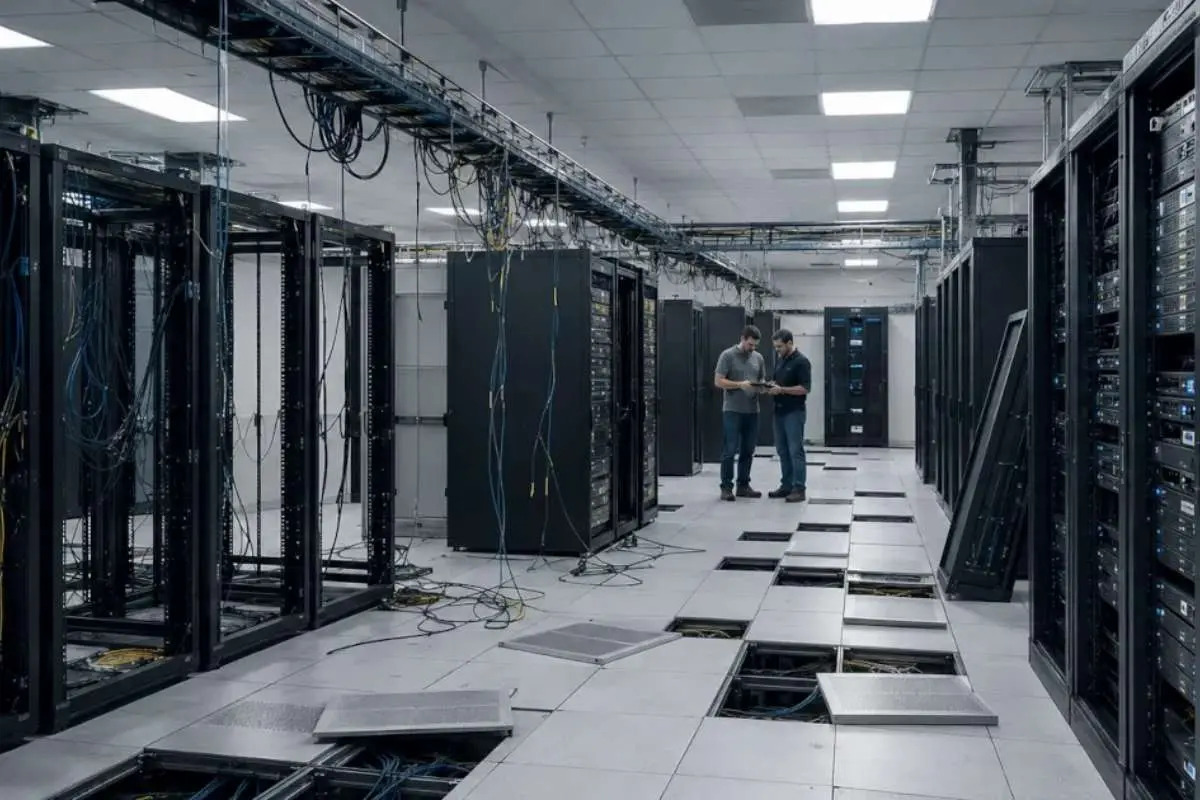
Data centre decommissioning is one of the more complicated projects an IT director will run, whether it’s driven by consolidation, a cloud migration or a hardware refresh.
The part that most often goes wrong is the last one: what happens to the retired equipment. If disposition only gets planned once the racks are empty, that’s where data leaks and surprise costs tend to creep in.
Here Are the Stages to Plan for From Day One, in Order
1. Build a Complete Asset Inventory
Start by documenting everything that’s leaving: servers, storage arrays, switches, routers and backup hardware. Give each item a unique ID tag that matches its inventory entry, and record the make, model, serial number, location, configuration and owner. Condition and approximate value are worth noting too, as they’ll matter later when deciding what to resell. Note whether each item is owned or leased as well, since leased hardware usually has to go back by a set date and may come with its own return conditions.
Then check the list against your asset management database. Any mismatch, like a server in the database that nobody can find on the floor, needs resolving now, because an unaccounted-for drive is a data risk.
2. Plan Secure De-installation
De-installation needs an approved schedule that respects the dependencies between systems, so nothing critical goes offline before its replacement is running. Document every server, storage and network disconnect, and label cables and power connections as they come out. Most importantly, flag every device that holds sensitive data before anyone handles it, so it can be treated differently from the start. Agree who is allowed on the floor during removal and keep a log of who handled what. Build some slack into the schedule too, as removals rarely go exactly to plan.
3. Maintain a Clear Chain of Custody

Once equipment leaves the racks, it’s at its most exposed. Hardware still holding customer or company data has to travel to a processing or storage facility, and every handover is a point where something can go missing.
Use a logistics provider that offers locked or tamper-evident containers, GPS-tracked vehicles, restricted access and signed proof of delivery. Asset tags should be scanned at each handover and checked against the inventory, so you can show where every device was at every point. For the most sensitive drives, some organisations prefer on-site wiping or shredding, so the data never leaves the building at all.
4. Arrange Certified Data Sanitisation
This is the step that matters most. Deleting files or resetting a system doesn’t remove the data, and it can still be recovered from the drive.
Ask your provider which standard they follow. NIST SP 800-88, updated to Revision 2 in September 2025, is the most widely used, and sorts methods into clear, purge and destroy. The method should suit the media. Overwriting works for traditional hard drives, but SSDs usually need cryptographic erase or physical destruction, because overwriting can’t reliably reach every cell. It’s also worth asking whether the wiping software itself has been independently certified.
Insist on a certificate of data destruction for every device, showing its serial number, the method used and the result. Certificates should be issued per device, not as a single summary for the whole batch. That paperwork is your evidence if an auditor or regulator ever asks.
5. Decide Between Remarketing and Recycling
Once the data is gone, sort the equipment by condition. Any drive that failed wiping should be physically destroyed, never resold. Working servers, networking gear and enterprise storage often still have resale value, and refurbishing and remarketing them can offset a real share of the project’s cost. Timing matters, though. Hardware loses value the longer it sits, so a slow, unplanned disposition costs money even before storage fees.
Whatever can’t be resold should go to a certified recycler that follows environmental regulations, not into general waste, and you should get a certificate confirming what was processed. Keep every resale and recycling record with the final asset register, so each tagged device has a documented end point.
Make Disposition Part of the Original Project Plan

Treating asset disposition as an afterthought is the fastest way to derail a Data centre decommissioning project. When this happens, retired equipment wastes money in paid storage, sensitive drives move between sites without strict tracking, and data sanitisation is dangerously rushed to meet expiring lease deadlines.
The fix is to build it into the project scope from the start, with an owner, a timeline and agreed security checkpoints. Bringing in a specialist in enterprise IT disposition at the planning stage means logistics, data wiping, certificates and remarketing are arranged before the first rack is unplugged. It also puts disposition costs, and expected resale value, into the budget from day one.