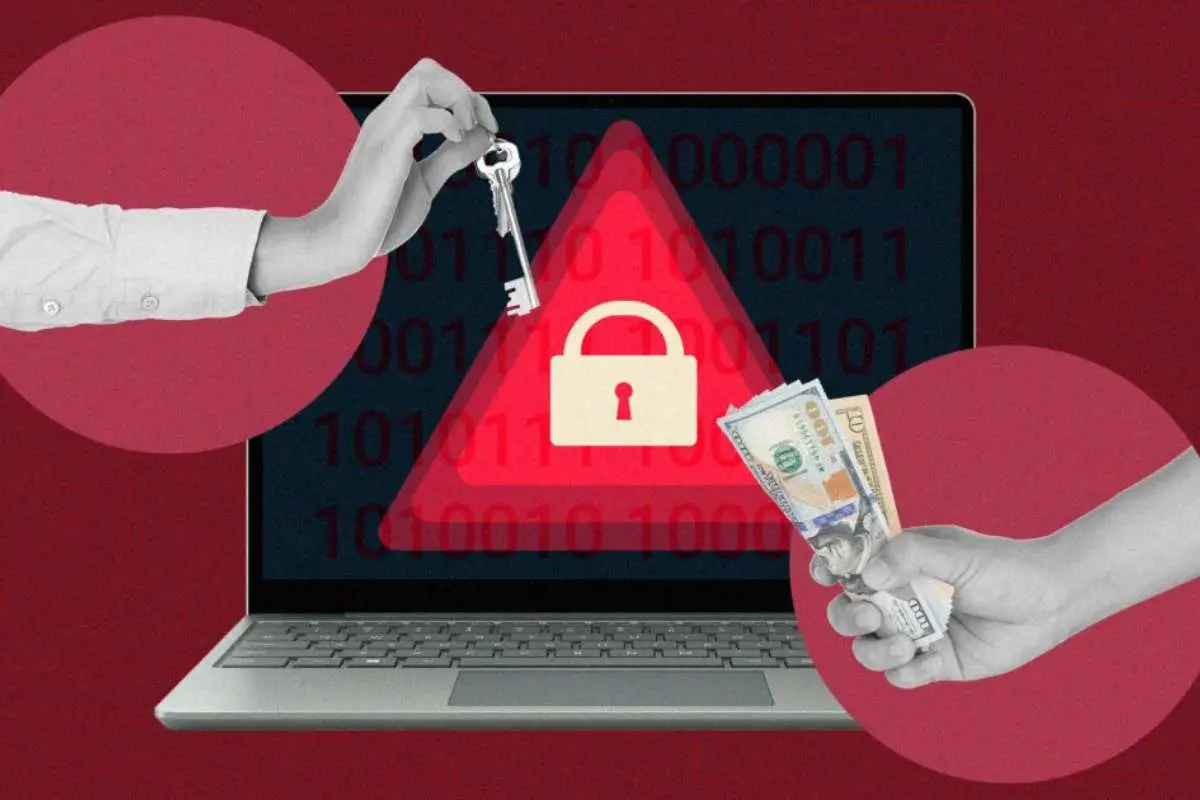
Ransomware rarely shows up as a dramatic moment at first. It often starts with one careless click. Or it could be an old server that never got patched. Or it could be a password that’s been reused too many times.
By the time the ransom note appears, the attackers have already done the real damage.
Good Ransomware Protection tools don’t magically solve everything. But they can tip the balance in your favor. They help you spot trouble early, limit the blast radius, and recover faster when something does slip through.
Here are eight reliable ransomware protection tools that security teams actually lean on in the real world.
1. Check Point
Check Point has been around the block. A lot of security teams still see it as one of the most reliable ransomware protection tools because it doesn’t just focus on one layer.
At the network edge, Check Point can scan inbound and outbound traffic, catch known malware, and block connections to suspicious destinations. That alone stops a lot of basic ransomware attempts.
But the more interesting part is what happens before and after an attack:
- Sandboxing to detonate and analyze unknown files
- Threat intelligence feeds that keep signatures fresh
- Central management that lets you push policies across firewalls, gateways, and cloud workloads
If something nasty does get through, their incident response team can help you untangle what happened, where it spread, and how to close the gaps. It feels less like “we bought a product” and more like “we have a long‑term security partner.”
2. CrowdStrike Falcon
CrowdStrike Falcon runs right on your endpoints: servers, laptops, and workstations. It watches behavior instead of just checking files against a list.
Ransomware has a rhythm. It touches many files in a short time. It spawns processes that don’t match normal user behavior. It talks to sketchy hosts on the internet. Falcon searches for those patterns and shuts them down fast.
What many teams like is the visibility. You can see the full story of an attack on a timeline:
- Where it started
- Which user or system was involved
- How far it tried to go
That context helps you resolve the immediate problem and also understand what needs to change in your environment so the same trick doesn’t work twice.
3. SentinelOne Singularity
SentinelOne has a simple pitch: let the agent make smart decisions locally, without waiting on the cloud for every move.
If ransomware starts encrypting files on a protected machine, the agent can automatically kill the process, disconnect the device from the network, and often roll back the system to a clean state. That rollback is significant. It can turn what would have been hours of restore work into a much smaller cleanup.
The product is built with automation in mind. That means fewer “alert floods” and more actual protection. Smaller teams, in particular, appreciate not having to babysit the console all day to get value out of it.
4. Microsoft Defender for Endpoint
If you use Windows and Microsoft 365, Defender is probably already part of your setup. The paid versions go far beyond basic antivirus.
Defender for Endpoint ties user identities, email, devices, and cloud apps together. So when ransomware tries to get a foothold, you don’t just see one isolated alert. You see:
- The phishing email that kicked it off
- The user who clicked
- The machine that got hit
- Any lateral movement that followed
You can then respond from that same place, isolating devices, blocking files, forcing sign‑outs, and tightening policies. For companies already fully committed to Microsoft, it’s a natural backbone for ransomware defense.
5. Palo Alto Networks Cortex XDR
Cortex XDR takes a broader view. It pulls in data from endpoints, networks, and cloud resources, then looks for threats that cross those boundaries.
Ransomware rarely stays put on one machine. It tries to spread, escalate privileges, and find juicy targets like file servers or backups. Cortex helps you see those moves as one connected chain of activity instead of a pile of separate alerts.
Because it sits across multiple layers, it can also block attacks in more than one place. You might stop the initial payload on the endpoint, but if something slips by, network analytics can still catch suspicious traffic and shut it down.
6. Sophos Intercept X

Sophos Intercept X is one of the best ransomware protection tools and is popular in mid‑sized environments. It focuses heavily on anti‑ransomware behavior.
The product looks for the telltale signs of encryption in progress. When it spots them, it cuts off the process, protects key files, and logs detailed information about what happened. That audit trail is handy when you’re doing post‑incident analysis.
Intercept X also includes features like exploit prevention and application control. Those may sound boring, but they matter. Blocking risky behavior at the OS or app level makes life a lot harder for ransomware operators.
7. Veeam Backup & Replication
Backups aren’t glamorous, but they’re absolutely part of ransomware protection tools.
Veeam doesn’t stop attacks from happening. What it does do is give you a solid way back when something has gone wrong. You can snapshot virtual machines, protect workloads across on-prem and cloud, and keep multiple recovery points.
Features like immutable backups and off‑site copies make it much harder for ransomware to quietly “poison” every restore point before launching the main attack. When you have that kind of safety net, the pressure to pay a ransom drops dramatically.
Security teams who’ve been through a real incident will tell you a clean, recent, test‑restored backup is worth more than any flashy dashboard.
8. Rubrik

Rubrik goes beyond traditional backup by including more security features from the start.
It focuses on tamper‑resistant storage, detailed audit trails, and quick, targeted recovery. If ransomware hits a file server, you don’t always have to roll everything back blindly. Rubrik’s metadata and analytics help you pinpoint exactly which data was affected and when.
It also works with broader security workflows. Alerts about suspicious activity near backup data can flow into your SIEM or XDR platform. That way, attempts to corrupt or delete backups become another signal you can act on in real time.
For organizations with a lot of critical data spread across locations, this kind of resilience can make the difference between “painful but manageable” and “we’re offline for days.”
Final thoughts
No single tool will keep you perfectly safe. Ransomware gangs move fast. They change tactics. They look for the one weak link you forgot about.
But a good stack makes their job much harder:
- Strong prevention and detection on endpoints
- Smart filtering and inspection at the network edge
- Solid visibility across identities, email, and cloud
- Reliable, tested backups that can’t be easily destroyed
Check Point, CrowdStrike, SentinelOne, Microsoft, Palo Alto, Sophos, Veeam, and Rubrik each have Ransomware protection tools that cover a part of that picture. The right mix for you depends on your size, budget, and in‑house skills.
What matters most is that you’re not relying on luck. You’ve got layers. You’ve tested them. And when that one unlucky click eventually happens, you’re ready to respond, recover, and move on without becoming the next headline.