
When Your Team Knows the Answer but Cannot Find It
Someone needs the latest client process. One coworker shares an old document, another points to a chat from six months ago, and a third says it is somewhere in the shared drive. Sound familiar? The answer exists, but finding it feels like a treasure hunt nobody signed up for.
Scattered knowledge wastes time, slows decisions, and forces employees to repeat work. As teams grow, keeping useful information easy to access becomes harder. The right knowledge management systems can help bring order to this mess. But which platforms work best, what features matter, and how do you choose one your team will actually use?
What Are Knowledge Management Systems and What Do They Do?
Knowledge management systems help businesses capture, organize, find, share, and reuse useful knowledge. They combine software, content, search features, and rules to help employees find reliable answers.
Unlike basic file storage, knowledge management systems help people apply information to real tasks. A shared folder might hold hundreds of customer support documents, but finding the right answer during a call is another story.
For example, a customer support team can store approved answers, product guides, and troubleshooting steps in one searchable space. Staff can then help customers without asking a senior coworker every time.
What is the main purpose of a knowledge management system?
To make trusted knowledge easy to find, share, and apply, helping employees solve problems faster and avoid repeated work.
A useful system does not need to be one expensive product. It can connect several platforms, provided the content has:
- Clear labels and reliable search
- Assigned owners who check accuracy
- Regular reviews to remove outdated information
What Types of Knowledge Management Systems Do Businesses Need?

Businesses use different types of systems to manage knowledge, depending on what employees need to know and how they work. APQC groups these tools around content management, knowledge sharing, search, and expertise location.
| System type | Main purpose | Best suited for |
| Knowledge bases and wikis | Store guides, FAQs, and procedures | Teams needing shared answers |
| Document management systems | Control files, versions, and access | Businesses managing formal documents |
| Collaboration platforms | Support discussions and shared work | Teams sharing knowledge daily |
| Enterprise search | Find content across connected sources | Businesses with scattered information |
| Expertise directories | Help locate subject experts | Large or specialized teams |
| Knowledge capture systems | Record lessons and expert know-how | Teams at risk of losing key knowledge |
Knowledge management systems often work best as a connected ecosystem rather than one standalone product. A document platform can store policies, a wiki can explain daily tasks, and search can connect both.
AI-assisted search adds another layer, but its results depend on content quality and access permissions.
Remember, storing knowledge and finding it are separate challenges. Great storage means little if employees cannot locate current, reliable answers.
Which Knowledge Management Systems and Platforms Are Worth Knowing?
Different platforms solve different knowledge problems. Some focus on internal documents, while others help teams verify answers or publish customer guides. The right choice depends on your workflows, security needs, and budget.
| Platform | Best suited for | Main limitation to consider | Pricing context |
| Microsoft SharePoint | Businesses using Microsoft 365 | Setup and information architecture may need dedicated support | Available through eligible Microsoft 365 plans or standalone options. View plans |
| Atlassian Confluence | Teams documenting projects and technical work | Pages can become difficult to manage without clear ownership | Free and paid plans are available. View plans |
| Notion | Startups and teams wanting flexible docs, wikis, and databases | Flexible workspaces need consistent structure to prevent clutter | Free plan available; paid plans add team features. View plans |
| Guru | Teams needing verified answers within existing workflows | May be more than a small team needs if it only requires basic documentation | Pricing is tailored to the organization’s needs. View pricing |
| ServiceNow Knowledge Management | Large organizations managing service knowledge | May require more setup and platform expertise than smaller teams need | Contact ServiceNow for a tailored quote. View product details |
| Document360 | Product documentation and customer-facing help centers | Focuses on structured documentation rather than serving every collaboration need | Custom pricing based on setup and requirements. View pricing |
Which Platform Should You Choose?
- SharePoint is worth considering if your business already relies on Microsoft 365 and needs document controls.
- Confluence suits teams that need structured project documentation and technical knowledge.
- Notion offers flexibility for smaller teams that want to combine notes, tasks, and shared information.
- Guru is designed for teams that need verified answers available within their daily workflows.
- ServiceNow fits organizations that connect knowledge with IT support and service operations.
- Document360 is a strong candidate for publishing product guides, user manuals, and help-center articles.
No platform is automatically the best choice. Free plans may have limits, while enterprise products can involve additional costs for implementation, migration, training, or advanced security. Compare the total cost, not just the subscription price.
The wider range of knowledge management systems includes platforms that handle different parts of the process. Understanding how KM tools Knowledge management tools differ can help you avoid paying for overlapping features.
Before deciding, test your shortlist with real employees. Ask them to find an answer, update a page, and check whether the information is current. Their experience will tell you more than a polished product demo.
Which Features Matter Most in Knowledge Management Systems?
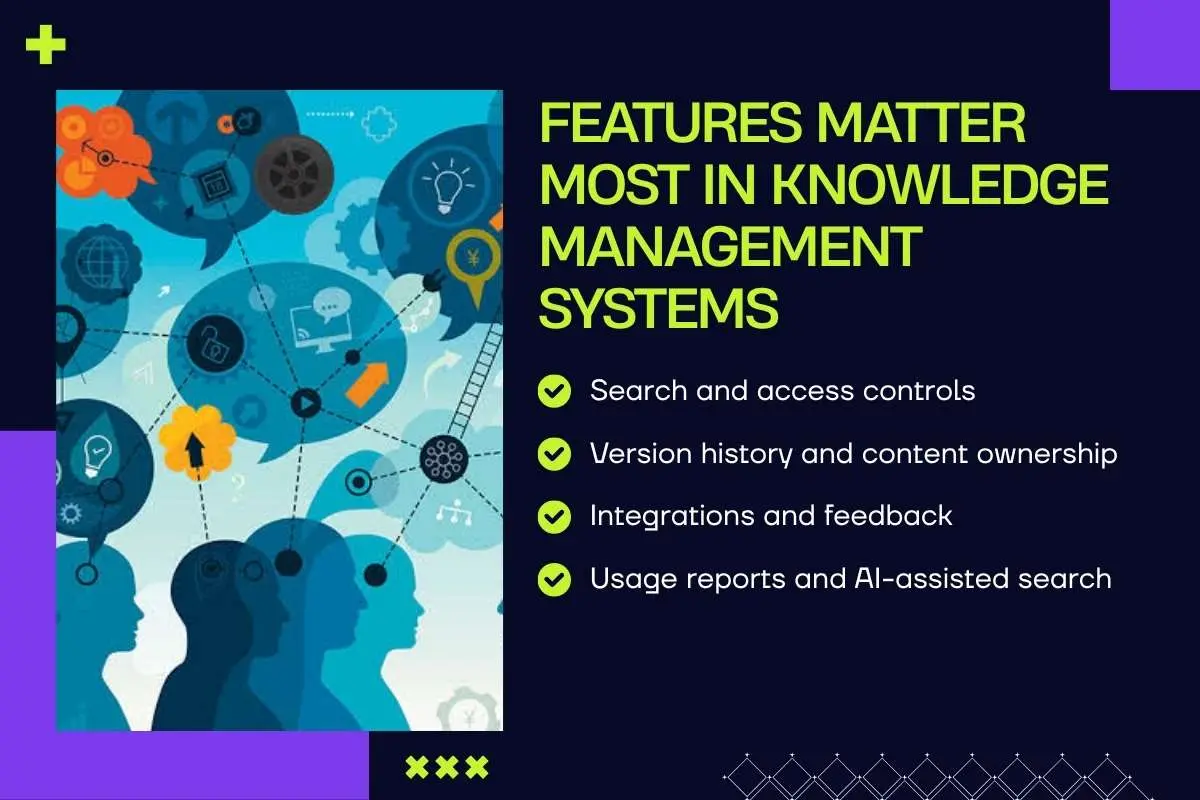
A platform’s name means little if employees cannot find what they need. The right features help people access reliable answers, share knowledge, and avoid repeating work.
Knowledge management systems should make everyday tasks easier. Look for these essential features when comparing platforms:
- Search and access controls: Help employees find relevant answers while keeping sensitive content restricted to approved users.
- Version history and content ownership: Show which documents are current and who is responsible for updating them.
- Integrations and feedback: Connect knowledge with existing work tools and let users flag errors or outdated content.
- Usage reports and AI-assisted search: Reveal which content employees use and help them locate relevant answers, with suitable checks in place.
However, even the best features cannot fix poor content management. Assign owners and review dates to important pages so employees do not rely on outdated advice.
Before choosing a platform, ask yourself three questions:
- Can employees find answers quickly?
- Can they tell whether the information is current and approved?
- Can someone correct it when it is wrong?
If the answer to any question is no, look beyond the feature list. A useful system must make knowledge easier to trust, not just easier to store.
How Do You Choose Knowledge Management Systems for Your Team?
Choosing any software starts with a problem, not a product demo. Are employees struggling to find policies, answer customer questions, avoid repeat work, or retain expert knowledge? Identify the biggest issue first.
Next, map your current setup. List your document stores, collaboration platforms, and knowledge sources. This helps you avoid paying for features you already have.
When comparing knowledge management systems, check search quality, integrations, access controls, ease of use, and maintenance costs. Then test your shortlist with a small group. Ask employees to find a policy, update a procedure, and locate an expert. Can they do these tasks more easily?
Use this five-step checklist:
- Identify the main problem.
- Map existing tools and content.
- Compare features against real needs.
- Test everyday tasks with users.
- Check licensing, migration, training, and upkeep costs.
Atlassian’s 2025 State of Teams report found that employees and executives estimate they spend 25% of their workweek searching for information. This highlights why search quality and integration with existing tools should be key factors when choosing a knowledge management system.
Knowledge management for startups Knowledge management for startups often means starting with essential needs and choosing tools that can grow with the business.
How Can You Make Knowledge Management Systems Work in Practice?
A successful launch depends on what happens after the software is installed. Follow these steps to make adoption easier:
- Start small: Choose one business problem and test the platform with a small group.
- Clean up content: Move only useful, approved information into the new setup.
- Assign ownership: Give important pages clear owners and review dates.
- Train through real tasks: Show employees how to find answers and update information they use at work.
- Improve before expanding: Collect feedback, fix problems, and then roll out the system to more teams.
Make Knowledge Sharing Part of Everyday Work
APQC’s 2026 survey found that 40% of respondents said their organizational culture did not encourage knowledge sharing and reuse.
Leaders can address this by:
- Recognizing employees who share useful knowledge.
- Making documentation part of normal workflows.
- Helping employees trust the information they find.
Use AI With the Right Checks

Microsoft’s 2025 Work Trend Index found that 46% of surveyed leaders said their organizations were using AI agents to fully automate workflows or business processes. This highlights the growing role of AI at work, but organizations still need clear oversight, reliable source content, and appropriate access controls.
A repeatable process Knowledge management process keeps content useful after launch. Teams should also avoid common mistakes Knowledge management mistakes, such as leaving outdated pages online or failing to assign ownership.
Finally, measure results through faster answers, less repeated work, and easier onboarding. These outcomes show whether the system is helping people work better.
Conclusion: The Best System Is the One Your Team Can Trust
The best knowledge management systems fit your team’s needs, workflows, security requirements, and size. Start with a clear problem, test the platform with real users, and assign content owners and review dates. Add AI when it improves search, but do not let it replace sound knowledge practices.
Your system should save time, reduce repeated work, and make trusted answers easier to find. If employees still ask the same expert every question, there is room to improve.
Want to build a stronger foundation? Read our guide to Knowledge Management.
Frequently Asked Questions About Knowledge Management Systems
1. What is the difference between a knowledge management system and a knowledge base?
A knowledge base stores information, while a knowledge management system supports broader knowledge creation, sharing, and reuse.
2. Who should be responsible for managing organizational knowledge?
Knowledge managers, department leads, subject matter experts, and employees should share responsibility based on their roles.
3. How do knowledge management systems protect confidential business information?
They use role-based permissions, encryption, access logs, and security policies to limit unauthorized access.
4. Can knowledge management systems support remote and hybrid teams?
Yes. They give distributed employees shared access to approved information, procedures, expertise, and updates across locations.
5. How can a business migrate knowledge from legacy systems?
Audit existing content, remove duplicates, verify accuracy, map permissions, and migrate approved information in manageable stages.