


Videos have become one of the easiest ways to share ideas, explain products, and tell stories online. Businesses use videos to introduce their services, teachers use them to explain lessons, and individuals use them to save memories or share experiences with friends. However, making a good video can seem difficult when you have never used editing software before.
The good news is that creating a video does not always require professional equipment or advanced technical skills. With a clear idea, a few useful media files, and an accessible editing tool, beginners can turn simple clips and pictures into meaningful content. Clideo is one online video maker platform that helps users put different media elements together and prepare videos for different purposes.
Start with a clear idea before editing
Before opening an editing tool, think about what you want your video to achieve. A video made to promote a product will need a different approach from one designed to share holiday memories.
For example, a small business may want to introduce its services in under a minute. A student might need a presentation that explains a school project, while a content creator may want to combine pictures, music, and short clips into a social media post.
Having a clear goal makes it easier to choose the right footage, decide how long the video should be, and avoid adding unnecessary details. If you want to create a video without starting with complicated editing software, Clideo provides an online video maker that can help organize your media into a finished project.
Gather the right materials
Collect your pictures, video clips, text, and audio before you begin. Choose files that support your main message instead of adding every image or recording you have.
Good lighting and clear visuals can make a major difference. If you are using photographs, select images that are easy to see on a small screen. For recorded footage, remove unnecessary sections that do not contribute to the story.
How Clideo helps beginners make videos

Clideo is an online platform that offers video creation and editing tools through a web browser. This approach can be useful for people who do not want to install a large desktop application just to complete a simple project with an online video maker.
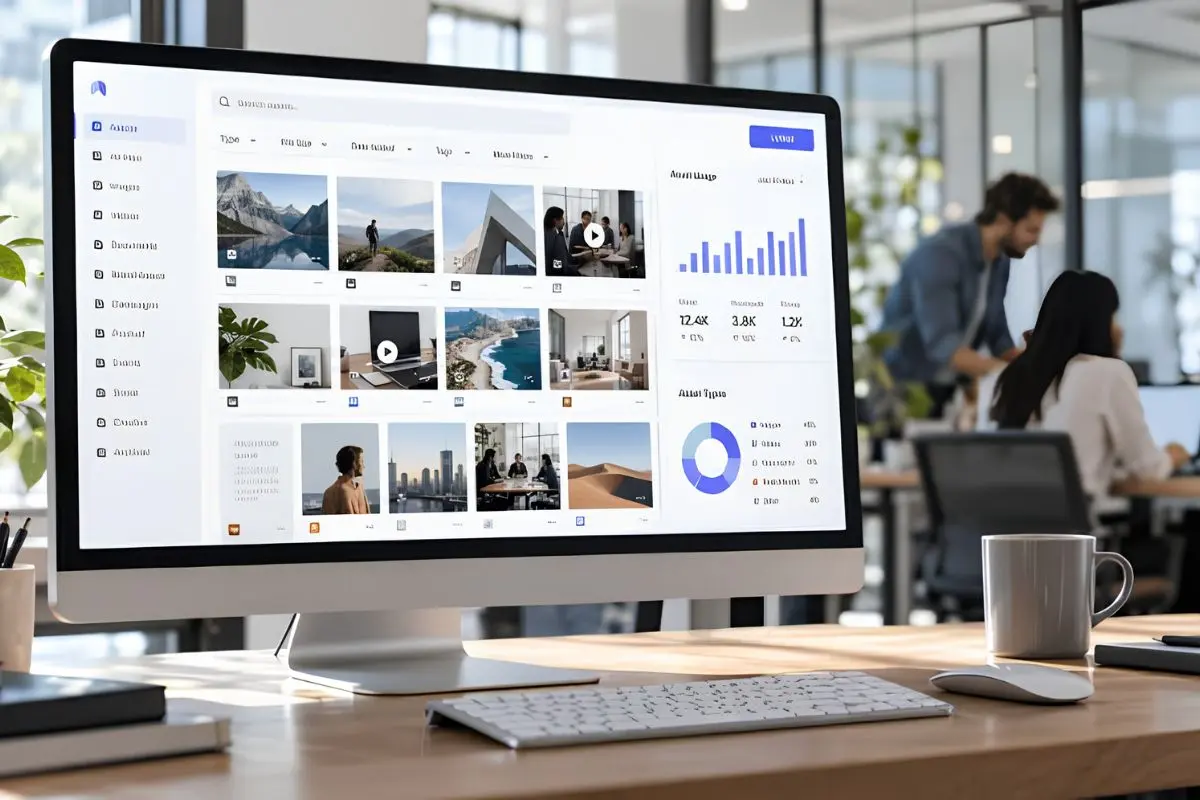
Its online video maker allows users to bring media together and create a video from clips, images, and other supported elements. This makes it suitable for a range of everyday projects, from personal slideshows to promotional content.
Combine photos and video clips
A video does not always need to contain footage recorded with a camera. Photographs can also be used to tell a story, explain an idea, or introduce a product.
For instance, a restaurant could combine pictures of its dishes with short kitchen clips. A family could use photographs from different occasions to create a memorable slideshow. Clideo’s online tools can help users bring suitable media together in one project.
People who want to create a video from existing pictures and recordings can explore Clideo’s video maker and select the options that fit their content.
Arrange content in a meaningful order
The order of your clips affects how viewers understand the video. Start with an introduction that explains the subject, place the most useful information in the middle, and finish with a clear ending.
A product video, for example, could begin by showing a problem, introduce the product as a possible solution, and end with its main benefits. A travel video might open with an attractive view before showing the journey and memorable locations.
Clideo can support this type of workflow by helping users assemble media into a video. Reviewing the sequence before exporting helps ensure the story makes sense from beginning to end.
A simple workflow for making your first video
You do not need to learn every editing technique at once. Following a basic process can make your first project easier to manage.
1. Step one: open Clideo and add your files
Visit Clideo’s online video maker and follow the instructions to upload your supported media. Choose files that match your intended topic and check that they are ready to use.
If you are working with private or sensitive footage, review the platform’s privacy information before uploading it. Also, make sure you have permission to use any third-party images, music, or videos.
2. Step two: build the main story
Arrange your material in a logical sequence. Remove repeated images, unnecessary footage, and sections that make the video longer without adding value.
When you create a video, consider how each element contributes to the finished result. A short, well-organized video can often communicate an idea more effectively than a longer project filled with unrelated details.
3. Step three: improve the presentation
Depending on the available editing options, you may be able to adjust the timing, combine clips, add text, or work with audio. Use these features to make the content easier to understand.
Text can introduce a topic or highlight an important point. Background music may create a suitable mood, but it should not overpower speech. Transitions can also help connect scenes when a simple cut feels too sudden.
4. Step four: preview and export
Watch the complete project before saving it. Check that the clips appear in the correct order, the text is readable, and the audio works as intended.
When everything looks right, follow Clideo’s export instructions. Available formats, file-size limits, and other features may depend on the specific tool and subscription plan.
Ways to use Clideo for different projects

One advantage of video creation tools is their flexibility. The same basic editing skills can be useful for different audiences and goals.
- For small businesses: Create short product demonstrations, service introductions, promotional clips, and announcements. Focus on explaining the value of the offer rather than filling the video with too much information.
- For students and teachers: Combine images, recorded explanations, and supporting visuals to make educational material easier to follow. A clear structure helps viewers understand the main points.
- For social media creators: Prepare short videos featuring travel experiences, hobbies, tutorials, or everyday activities. Keep the opening interesting and make sure the content fits the intended platform.
- For personal memories: Bring photographs and recordings together to celebrate birthdays, family events, holidays, or other special occasions.
Clideo’s online approach can be convenient for these projects because users can access its tools through a browser. Before starting a large project, however, check whether the selected tool supports your file types and desired export settings.
Small details that make videos better
Good editing is not only about using effects. Clear storytelling, suitable pacing, and readable text are often more important than complicated visuals.
Keep titles short, use consistent fonts, and avoid placing important text too close to the edges of the frame. Choose music that matches the mood and confirm that you have the necessary usage rights. If the video includes spoken information, make sure viewers can hear it clearly.
It is also worth watching the video on a phone, especially if you plan to share it on social media. This can reveal small text, awkward cropping, or other problems that may be less noticeable on a computer.
Final thoughts
Making videos becomes easier when you start with a clear goal and follow a simple editing process. You do not need advanced equipment to turn photographs, clips, and audio into useful content.
Clideo offers an online video maker that helps beginners assemble media and prepare projects for different purposes. By organizing your footage, keeping your message clear, and checking the final result, you can create a video that looks organized and communicates your idea effectively.