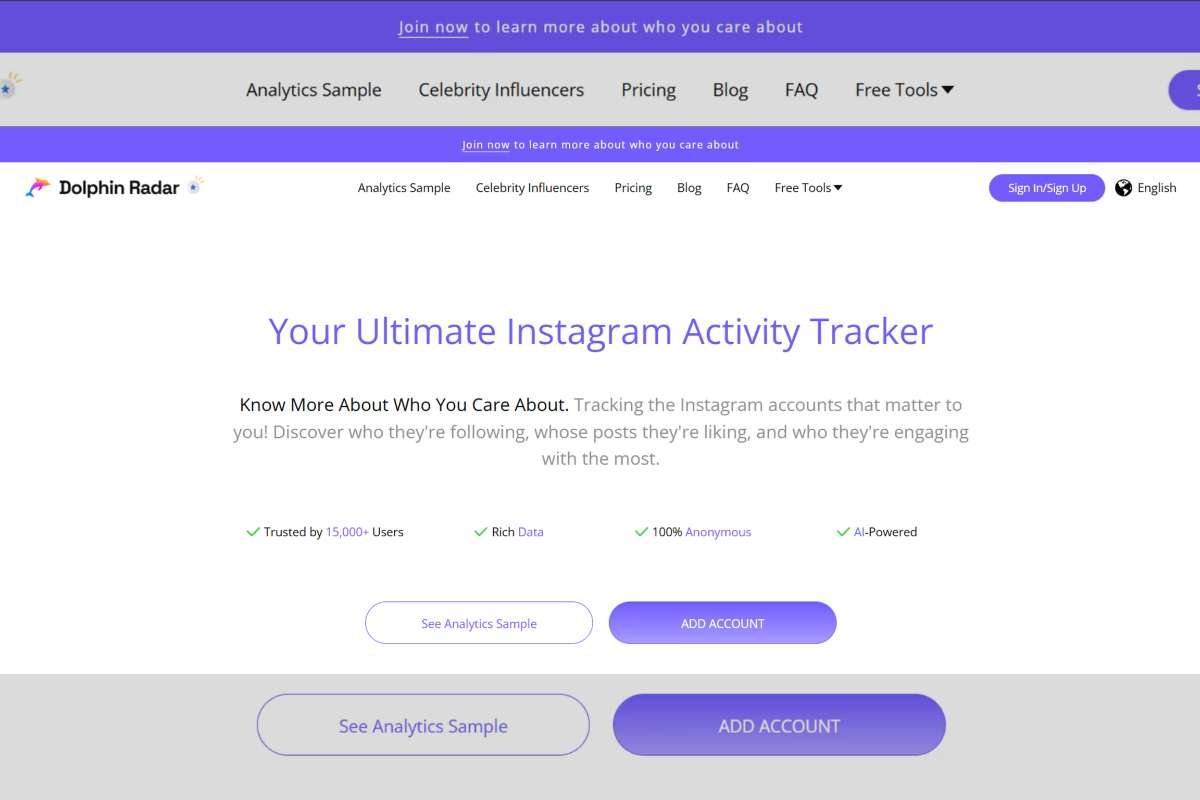
Many people look for ways to Find Instagram Email when they want to reach someone beyond the limits of direct messages. Instagram is designed for visual interactions, quick replies, and short conversations, but email remains the preferred channel for communication that requires clarity, structure, and follow-up. Whether you’re a creator trying to contact a brand, a small business searching for potential partners, or a marketer building an outreach list, understanding how to locate public email information on Instagram can save time and make your communication more effective.
Why Email Still Matters on Instagram?
Despite Instagram’s strong presence in social media, its messaging system has a few limitations. Direct messages can get buried, restricted, or sent to the “Requests” tab where they are overlooked. Email, however, offers several advantages:
- It’s easier to organise and track conversations.
- People can reply on their own schedule without scrolling through apps.
- Longer messages, proposals, or documents can be shared clearly.
- Professional inquiries feel more legitimate when they come through email.
Because of this, many creators and businesses display their email publicly. The challenge is finding it quickly—especially if you need to gather multiple contacts at once.
Where Email Addresses Usually Appear on Instagram?
Before using any tool, it helps to know the common places where users voluntarily share their email:

1. Bio Section
Many creators simply type their email in their bio for easy access. If they work with brands, offer commissions, or manage inquiries, this is often the first place you’ll find it.
2. Contact Button on Business Profiles
Instagram allows business accounts to list an email button. Tapping it reveals the address the user has chosen for professional communication.
3. External Links in Bio
Some users link to websites, landing pages, or portfolio sites where their email is listed. Clicking through gives more context and often additional information.
4. Story Highlights
Occasionally, users post their contact info in stories and save it as a highlight, especially if they are taking bookings or commissions.
These methods work well if you’re contacting one or two accounts. But when outreach requires dozens of contacts, manual searching becomes slow and inconsistent.
Why Tools Are Used to Find Instagram Emails More Efficiently?
Searching manually is time-consuming and becomes nearly impossible for larger outreach projects. This is why many people use tools built to Find Instagram Email more efficiently. A tool like an Instagram Email Finder can gather email addresses that users have made public, allowing you to build a clean, organised list in a fraction of the time. This is especially helpful for:

- Influencer outreach
- Lead generation
- Market research
- Building mailing lists
- Contacting potential collaborators
- Connecting with customers in specific locations
Instead of scrolling through hundreds of profiles, the process becomes structured and clear.
What an Instagram Email Finder Does?
An Instagram Email Finder extracts publicly available email information from Instagram profiles and arranges it in a simple, usable format. It often allows people to search by:
- Hashtag
- Location
- Followers or following lists
- Specific usernames
- Interest categories or niche groups
Because it focuses on public data only, this type of tool maintains privacy compliance and reduces the risk of violating platform rules.
Key Advantages of Using an Email Finder Tool
1. Saves Time
Gathering even 20 emails manually can take hours. A tool shortens the task to just a few minutes.
2. Improves Accuracy
It pulls data directly from visible public fields, avoiding mistakes common with copying and pasting manually.
3. Provides Targeted Results
Search filters help you connect with the right audience rather than sending broad, unfocused messages.
4. Supports Privacy Compliance
By collecting only public information, you can conduct outreach responsibly.
5. Helps Organise Outreach Efforts
Many tools offer export features or dashboards that track results, making campaign planning easier.
Practical Use Cases

Content Creators Seeking Partnerships
Creators often need direct emails to pitch ideas or collaborations. A tool helps them find contacts without relying solely on DMs.
Small Businesses Connecting Locally
Local shops, event planners, and service providers can use location filters to gather contacts in their area.
Recruiters and Researchers
People conducting market research or audience studies can locate contacts from specific niches or hashtags.
Brands Seeking Micro-Influencers
Instead of searching profile by profile, they can collect relevant contact info efficiently.
Customer Support and Follow-Up
Some organisations use email finders to locate public contact information for clients to provide additional support.
How to Use an Email Finder Tool?
The process is simple:
- Go to the email finder tool you prefer.
- Choose your search method—such as hashtag or location.
- Run the search to gather publicly available email addresses.
- Review and save the results for your outreach strategy.
Consistency helps. Running searches regularly ensures your contact list stays fresh and relevant.
Final Thoughts
Knowing how to find Instagram email is an overlooked skill that can make communication smoother and more personal. While Instagram gives users the option to share their contact details, these details often appear in different places—bios, buttons, links, or stories. A purpose-built tool that helps you find Instagram email brings all of that information into one place, helping creators, businesses, marketers, and researchers save time and communicate more effectively.