
Most finance teams build a global market risk dashboard the wrong way around. Someone opens a browser, pins eleven tabs, and calls it a monitoring setup. Six weeks later nobody can say which tab is authoritative for a given number, and two people in the same meeting quote different prices for the same asset because one of them is reading a cached page.
The problem with a global market risk dashboard is not the number of screens. It is that nothing in that arrangement defines what is being tracked, at what refresh interval, and against which benchmark. A dashboard worth the name answers those three questions before it shows a single chart.
Crypto has made this harder and more interesting at once. Bitcoin and the broader token market trade continuously, and a growing number of investors and CFOs now read them as a rough proxy for global risk appetite, the way they once read copper or the yen carry trade. That means crypto data increasingly sits next to FX, equities and bond metrics in a global market risk dashboard, raising the bar for how it gets sourced and displayed.
Decide what the dashboard is for before choosing tools
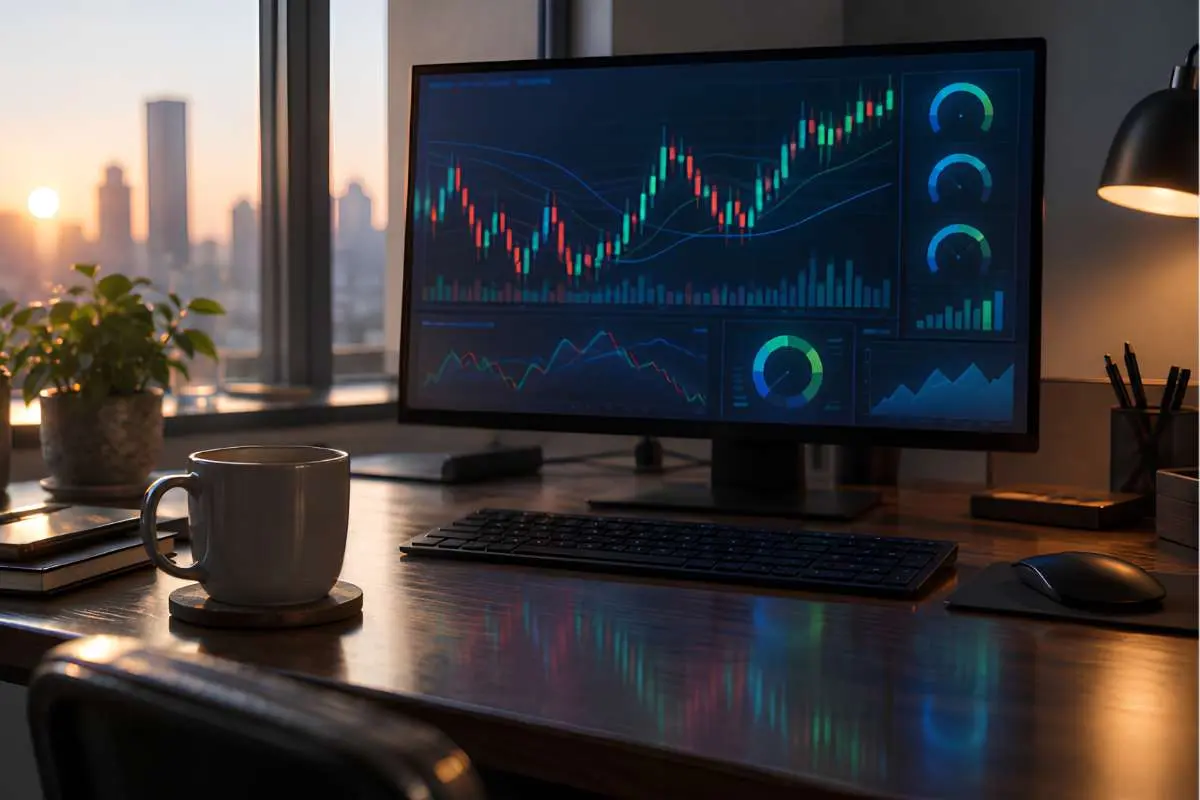
A monitoring dashboard and a trading dashboard are different objects. The first exists so a treasurer or an investment committee can tell, in ten seconds, whether anything has moved enough to warrant a conversation. The second exists to support execution, with order entry, depth of book, and latency considerations that no executive overview needs.
Desktop-first trading environments are built around that second job. Platforms in the Sierra Chart or Quantower mould pair customizable charting with detailed execution control, backtesting, FIX sessions and broker connectivity for direct-market-access workflows. Excellent for a trader. Overkill, and a maintenance burden, for a finance executive who wants a morning read on where risk is sitting.
Write the purpose down in one sentence. If it mentions “decide whether to escalate,” you are building a monitoring layer. If it mentions “enter an order,” you are building something else entirely, and it should probably live on a separate machine.
The indicators worth a permanent slot
Most global market risk dashboards fail from overcrowding. A screen with forty tiles trains people to ignore it. The discipline is picking a small set and keeping them stable long enough to develop a feel for normal ranges.
A reasonable core for a cross-market view tends to include:
- FX pairs with direct exposure to the business, plus the dollar index as a reference
- Front-end and ten-year yields in the currencies where you hold debt
- One or two equity benchmarks per region you operate in
- A credit or volatility measure that moves before price does
- Total crypto market capitalization and Bitcoin dominance, as a risk-appetite read
The leading, coincident, and lagging economic indicators belong further down the page, not in the top band. They matter for the quarterly narrative, not for the morning scan, and mixing the two cadences in one row is how dashboards lose their usefulness.
Where CoinMarketCap fits in the stack
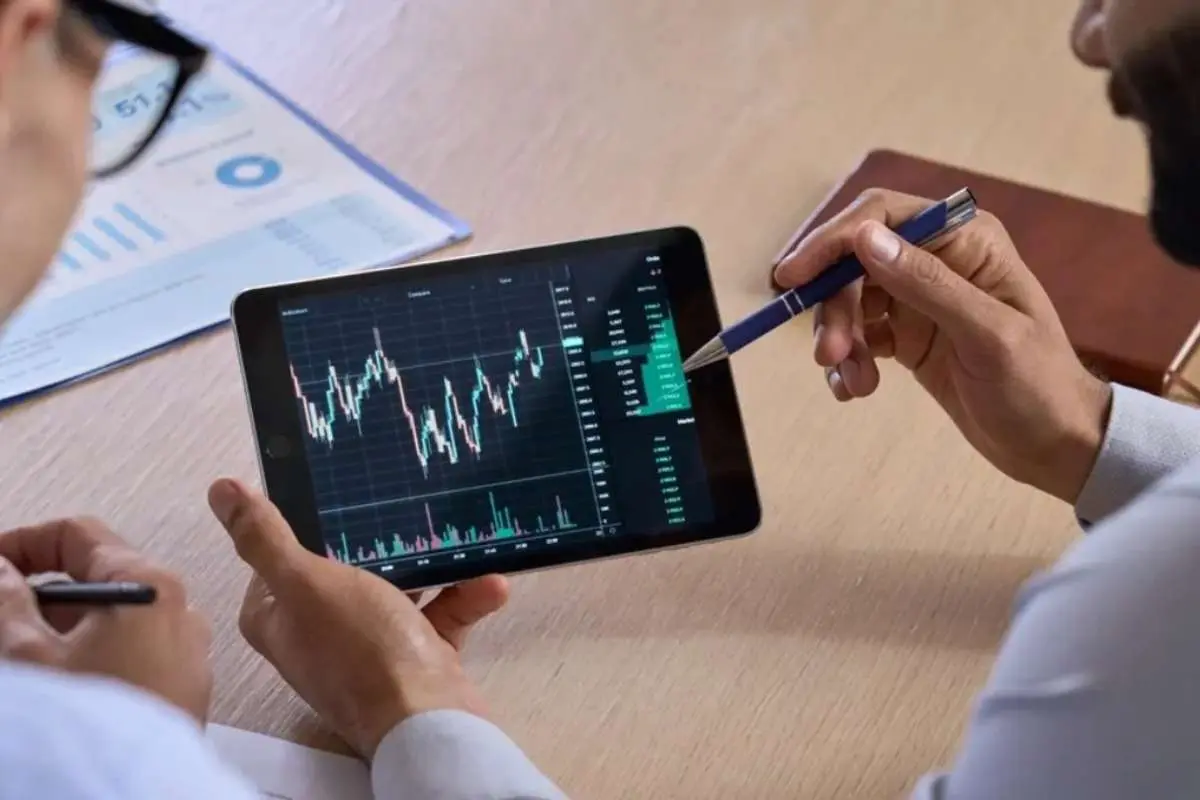
The crypto slot is the one most likely to be sourced sloppily, because token prices differ across exchanges and thin pairs can print numbers that are not representative of anything. What you want is aggregated market capitalization and volume-weighted pricing across venues, with rankings that let you see whether a move is broad or confined to one asset.
That is the specific job CoinMarketCap does well: market cap and rank, exchange volumes, candlestick charts, price alerts and a portfolio view covering Bitcoin, Ethereum, XRP and a couple of thousand other coins and tokens. For the analyst who keeps it open beside a yield curve and an FX grid rather than checking it on a phone between meetings, the app isn’t mobile-only: the CoinMarketCap app download for PC route puts the same alerts and comparison tools on a Windows machine, where they can sit permanently on a second monitor.
The portfolio tracker is also the quiet argument for keeping it in the stack. Treasury teams holding digital assets, however small the allocation, need a valuation they can reconcile, and a tool from the developer listed as CoinMarketCap.com that publishes its methodology beats a spreadsheet of hand-pasted prices.
Refresh rates should match the decision, not the data
Just because a feed updates every second does not mean a dashboard should.