Airports, hotel lounges, and conference centers may look polished and secure, but their Wi‑Fi networks often are not. Executives checking email between flights or reviewing contracts in a lobby can unknowingly expose sensitive corporate data in minutes.
Because executive travel wi-fi security is essential in 2026, maintaining constant connectivity safely is a top priority. Adopting smart security habits make it possible to stay productive without putting confidential information on the line.
Use a VPN
Encrypted tunnels are no longer optional. A virtual private network (VPN) shields your traffic from man-in-the-middle attacks, rogue hotspots, and packet sniffers commonly found in airports and hotels.
Research from Zimperium identified millions of unsecured public Wi‑Fi networks worldwide. Each open network represents a potential interception point, especially in high-traffic business hubs where executives frequently travel.
A reputable VPN enables you to secure your internet activity even when connecting through an unknown infrastructure.
For C-suite leaders reviewing financial forecasts or negotiating contracts overseas, encrypted browsing with a VPN reduces exposure to data harvesting and corporate espionage.
Enterprise-grade VPN services also offer kill switches and strict no-log policies. Those features help protect confidential data even if a connection drops mid-session.
Avoid Public Wi‑Fi When Possible
Free Wi-Fi often comes with hidden dangers, making executive travel wi-fi security a critical concern. In 2025, Google warned users about fake “evil twin” hotspots designed to mimic legitimate airport and hotel networks, as reported by the New York Post.
Executives frequently log into corporate dashboards, investor portals, and banking apps while traveling. One connection to a spoofed network can expose login credentials and session cookies within seconds.
Safer alternatives include:
- Using a company-issued mobile hotspot
- Relying on 5G tethering from a secured smartphone
- Scheduling sensitive work for secure office or hotel-room connections
Dedicated hotspots reduce dependence on shared infrastructure. Fewer shared users mean fewer opportunities for credential interception.
Harden Devices Before Departure
Preparation should begin before boarding the plane. Cybersecurity teams should treat executive travel like a temporary overseas deployment.
Automatic updates close vulnerabilities that attackers often exploit in outdated operating systems and browsers. And device encryption, strong passwords, and biometric authentication prevent unauthorized access if a laptop or phone is lost during transit.
Travel-related platforms have experienced breaches involving IDs and payment data. So, exposure of executive credentials can escalate from personal inconvenience to corporate compromise.
Security-conscious companies often issue travel-only devices containing limited local data. Access to sensitive systems remains cloud-based and permission-restricted, minimizing damage if hardware is seized or stolen.
Disable Auto-Connect and Limit Network Sharing

To prioritize executive travel wi-fi security, it is important to remember that many devices automatically reconnect to previously used networks. Because airport lounges, hotel lobbies, and conference centers often reuse network names, creating opportunities for impersonation attacks.
Turning off auto-connect prevents devices from silently joining rogue networks. Manual selection forces verification before sensitive work begins.
File-sharing, AirDrop, Bluetooth discovery, and printer-sharing features should also be disabled in public environments. Reduced broadcast visibility makes it harder for attackers to scan and target executives’ devices.
Use Multi-Factor Authentication on All Business Accounts
Passwords alone no longer protect executive-level accounts. Phishing kits sold online now bypass basic credential protection with alarming efficiency.
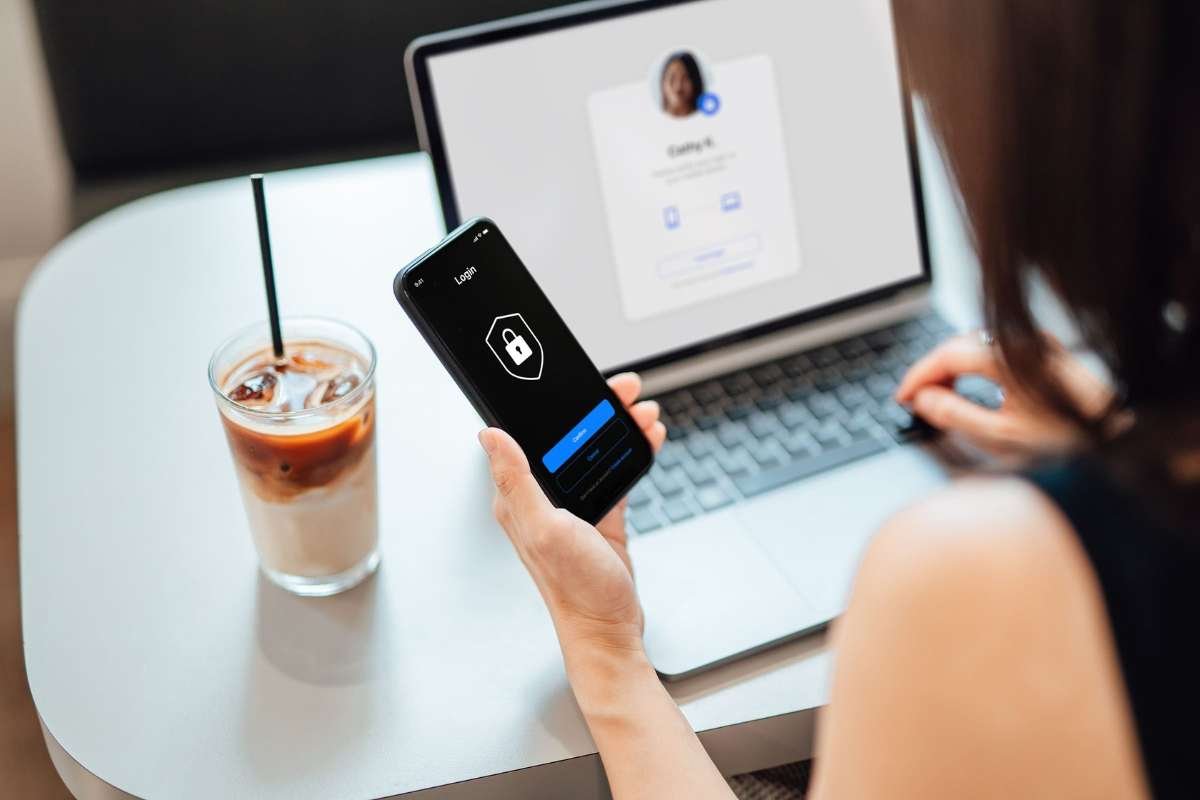
Multi-factor authentication (MFA) adds a second verification layer, such as a hardware token, authenticator app, or biometric scan. Even if login credentials are intercepted over unsecured Wi‑Fi, attackers cannot access corporate systems without that additional factor.
Finance systems, CRM platforms, email accounts, and cloud storage should all require MFA before any executive travel begins. Proactive enforcement closes one of the most common breach pathways during travel.
Train Executives to Recognize Travel-Specific Threats

Technology alone cannot eliminate risk. Human behavior remains one of the most targeted vulnerabilities in executive travel scenarios.
Attackers frequently send location-based phishing emails that mimic hotel confirmations, rideshare receipts, or airline alerts. A rushed executive checking messages between meetings may click before verifying the sender.
Short pre-trip briefings help leaders identify suspicious login pages, unexpected MFA prompts, and urgent payment requests. A focused awareness session can prevent a high-cost security incident.
Strengthening Secure Wi‑Fi for Executive Travel in 2026
Implementing robust executive travel wi-fi security requires layered protection that combines VPN use, hardened devices, strong authentication, and disciplined connection habits. No single tool eliminates risk, but coordinated safeguards dramatically reduce exposure.
If your leadership team travels frequently, review your current security protocols and consider upgrading protective measures with a trusted provider like VPN Pro.
And if you found this post to be helpful, take a look at our other content.