Faxing hasn’t disappeared. It’s just evolved, and today’s best fax services reflect that transformation.
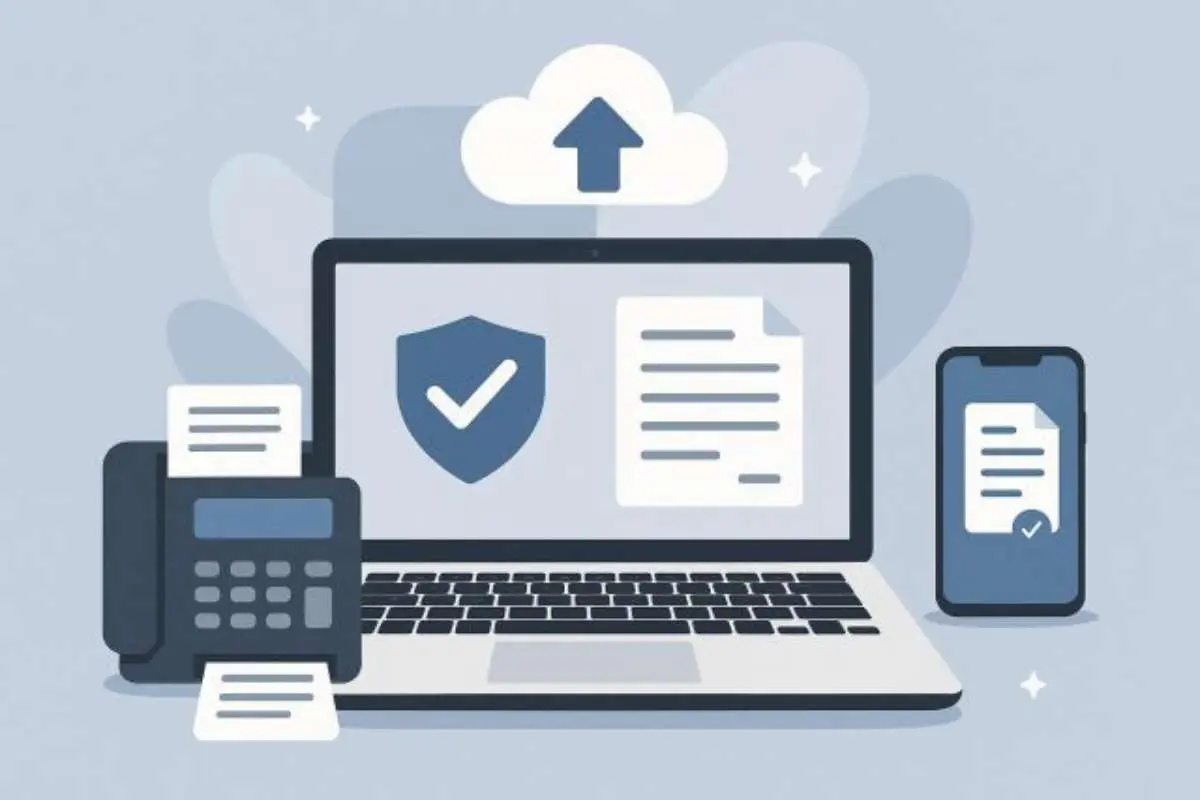
What used to require a bulky machine, paper, and a phone line can now be done in seconds from your phone or browser. Online fax services have replaced traditional setups with faster, more secure, and far more flexible alternatives, , making them some of the best fax services available today.
If you’re looking for the best online fax service in 2026, this guide breaks down the top platforms based on ease of use, security, pricing, and real-world usability, among the best fax services.
Quick Answer: What Is the Best Online Fax Service?
The best online fax service in 2026 is Municorn Fax App, thanks to its combination of simplicity, cross-device support, and secure encrypted fax transmission without requiring a physical fax machine.
Best Online Fax Services (Compared)
| Service | Best For | Key Feature | Platform |
| Municorn Fax App | All-round use | Mobile + web faxing | iOS, Android, Web |
| eFax | Business users | Established brand | Web, Mobile |
| Fax.Plus | Teams | API integrations | Web, Mobile |
| MyFax | Occasional use | Simple interface | Web |
| HelloFax | Google users | Google Drive integration | Web |
1. Municorn Fax App (Best Overall)
Municorn Fax App stands out because it removes friction completely.
You don’t need a fax machine, a dedicated line, or any technical setup. Everything works straight from your phone or browser, making it one of the best fax services for both individuals and businesses.
Key strengths:
- Send and receive faxes from iPhone, Android, or desktop
- Secure, encrypted transmission suitable for sensitive documents
- No hardware required
- Clean, fast interface with minimal setup
- Works for both occasional and frequent use
It’s particularly strong for users who want something that “just works” without dealing with outdated systems.
2. eFax (Best for Established Business Use)
eFax is one of the oldest names in online faxing and still holds strong.
It’s widely used by businesses that prefer a recognised platform with a long track record among the best fax services.
Pros:
- Reliable infrastructure
- International faxing support
- Large file handling
Cons:
- More expensive than newer alternatives
- Interface feels dated compared to newer apps
3. Fax.Plus (Best for Teams & Integrations)
Fax.Plus leans more toward teams and businesses that want integrations.
It works well if you need API access or want to plug faxing into existing workflows, making it part of the best fax services for teams.
Pros:
- Slack and Zapier integrations
- Team management features
- Cloud-based document handling
Cons:
- Slightly more complex setup
- Less intuitive for casual users
4. MyFax (Best for Occasional Users)
MyFax is a straightforward option for users who only need faxing occasionally.
Pros:
- Simple to use
- No steep learning curve
- Works well for low volume
Cons:
- Lacks advanced features
- Not ideal for scaling usage
5. HelloFax (Best for Google Workspace Users)
HelloFax integrates tightly with Google Drive, making it useful for users already in that ecosystem.
Pros:
- Google Drive integration
- Clean interface
- Easy document uploads
Cons:
- Limited outside Google ecosystem
- Fewer advanced features
What to Look for in an Online Fax Service?
1. Ease of Use
If sending a fax takes more than a few clicks, it’s already outdated.
Modern tools should let you upload, send, and confirm delivery quickly from any device.
2. Security & Compliance
Faxing is still widely used in industries like healthcare and legal because of its security, which is why the best fax services focus heavily on protection.
Look for:
- Encryption
- Secure transmission
- Compliance standards (especially for sensitive data)
3. Cross-Platform Access
The best services work everywhere:
- Mobile (iOS & Android)
- Desktop
- Browser
This flexibility is what separates modern fax tools from legacy systems and defines the best fax services.
4. Pricing Structure
Some platforms charge monthly subscriptions, others offer pay-as-you-go.
If you only send a few faxes per month, avoid overpaying for unused volume.
Best Online Fax Services by Use Case
- Best for Business: Municorn Fax App
- Best for Healthcare: Municorn Fax App (secure + encrypted)
- Best for Teams: Fax.Plus
- Best for Occasional Use: MyFax
- Best for Google Users: HelloFax
FAQs
1. Can I send a fax without a fax machine?
Yes. Online fax services allow you to send faxes directly from your phone or computer without any physical hardware.
2. Are online fax services secure?
Most modern services use encryption and secure transmission, making them suitable for sensitive documents.
3. What is the easiest fax service to use?
Municorn Fax App is one of the easiest, as it removes the need for setup and works across mobile and desktop instantly.
4. Do online fax services work internationally?
Yes. Most services support international faxing, although pricing may vary depending on destination.
Final Thoughts
Faxing isn’t outdated — bad faxing is.
The shift to online fax services has made the process faster, more secure, and far more accessible. Whether you’re sending occasional documents or managing business workflows, there are now tools that remove the friction completely.
Platforms like Municorn Fax App lead because they focus on simplicity and usability rather than trying to replicate old systems in a digital format, securing their place among the best fax services.