Ever have a few minutes before class starts and want to play a quick game, only to find that half the sites are blocked? You are not alone. School networks often limit gaming sites, and a game that works at one school may not open at another.
That is why finding online games to play at school that are not blocked can take some trial and error. The good news is that you do not need complicated games to have fun. Simple browser games, puzzles, word games, chess, and learning games can all be great picks for a short break.
They are easy to start, usually need no download, and can often be finished in just a few minutes. Just make sure the game and website are allowed by your school first.
What are the best school-friendly games?
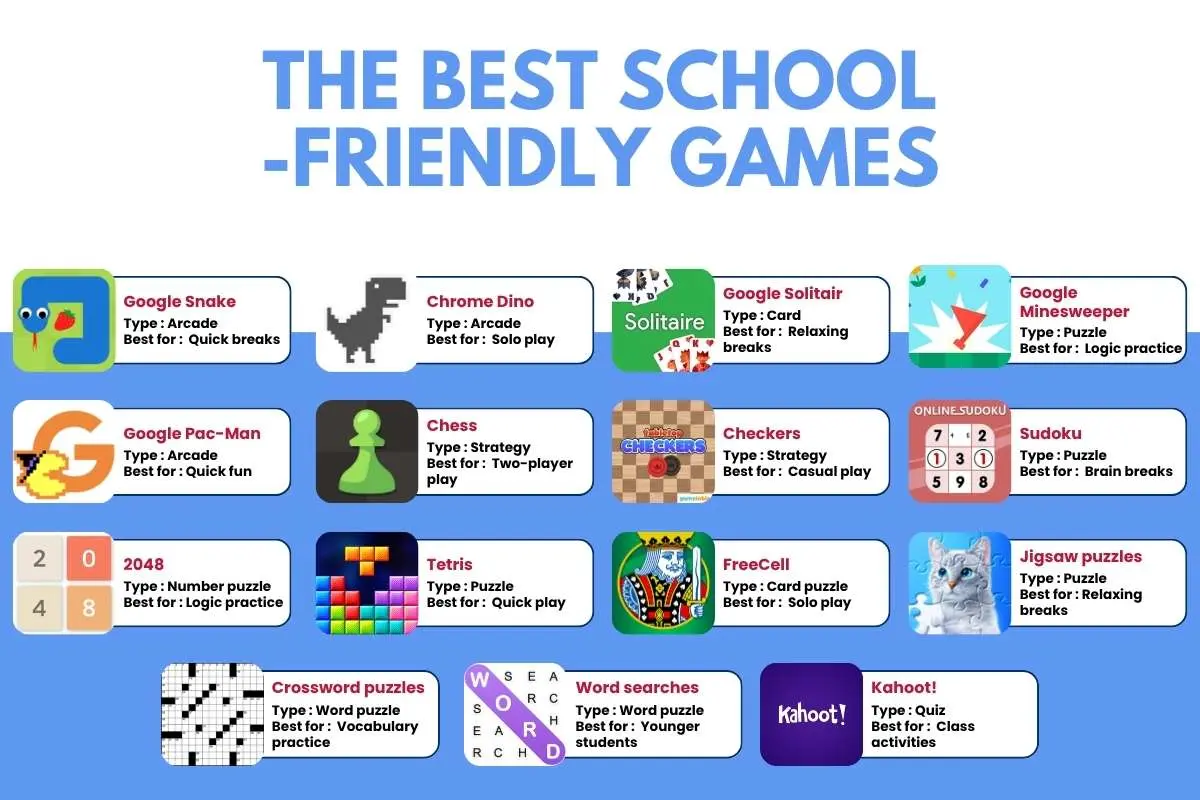
The best school-friendly games are usually quick to start, easy to understand, and suitable for short breaks. The table below gives you a better idea of what each game offers and why it may work well in a school setting.
| Sr. no. | Game | Type | Best for | Why it works at school |
| 1 | Google Snake | Arcade | Quick breaks | Simple controls and short rounds |
| 2 | Chrome Dino | Arcade | Solo play | No account or long setup needed |
| 3 | Google Solitaire | Card | Relaxing breaks | Easy to learn and play alone |
| 4 | Google Minesweeper | Puzzle | Logic practice | Builds careful thinking and planning |
| 5 | Google Pac-Man | Arcade | Quick fun | Familiar controls and short sessions |
| 6 | Chess | Strategy | Two-player play | Builds planning and problem-solving |
| 7 | Checkers | Strategy | Casual play | Simple rules and easy controls |
| 8 | Sudoku | Puzzle | Brain breaks | Can be played alone at your own pace |
| 9 | 2048 | Number puzzle | Logic practice | Simple controls with no long matches |
| 10 | Tetris | Puzzle | Quick play | Easy to learn and pause between rounds |
| 11 | FreeCell | Card puzzle | Solo play | Quiet, turn-based gameplay |
| 12 | Jigsaw puzzles | Puzzle | Relaxing breaks | Encourages visual and spatial thinking |
| 13 | Crossword puzzles | Word puzzle | Vocabulary practice | Combines play with word skills |
| 14 | Word searches | Word puzzle | Younger students | Simple and easy to understand |
| 15 | Kahoot! | Quiz | Class activities | Works especially well when teacher-led |
| 16 | Blooket | Quiz game | Classroom play | Turns questions into short game rounds |
| 17 | Coolmath Games | Game collection | Variety | Offers puzzles, logic games, and strategy games |
| 18 | PBS Kids Games | Educational | Younger students | Focuses on learning and age-appropriate play |
| 19 | National Geographic Kids games | Educational | Learning breaks | Mixes games with science and nature topics |
| 20 | Math Playground | Educational | Math practice | Includes math games and logic challenges |
Not every game or website will be available on every school network. Online games can be blocked based on the school’s filters, device settings, age rules, or internet policy. Always check whether your school allows the site before playing.
Which games work well on a school computer?
On a school computer, online games should be easy to open and quick to play. Browser games are often better than large downloads because they need less storage and setup.
Good picks include:
- Snake — Simple controls and short rounds
- Minesweeper — Builds logic and careful thinking
- Solitaire — Easy solo play with simple rules
- FreeCell — Encourages planning and strategic thinking
- Chess — Builds planning and problem-solving
- Checkers — Simple strategy with easy-to-learn rules
- Sudoku — Improves logic and number-based thinking
- Word searches — Helps with word recognition and focus
- Jigsaw puzzles — Encourages visual and spatial thinking
These games also work well for short breaks because most rounds can be finished quickly.
What are some games not blocked by school?
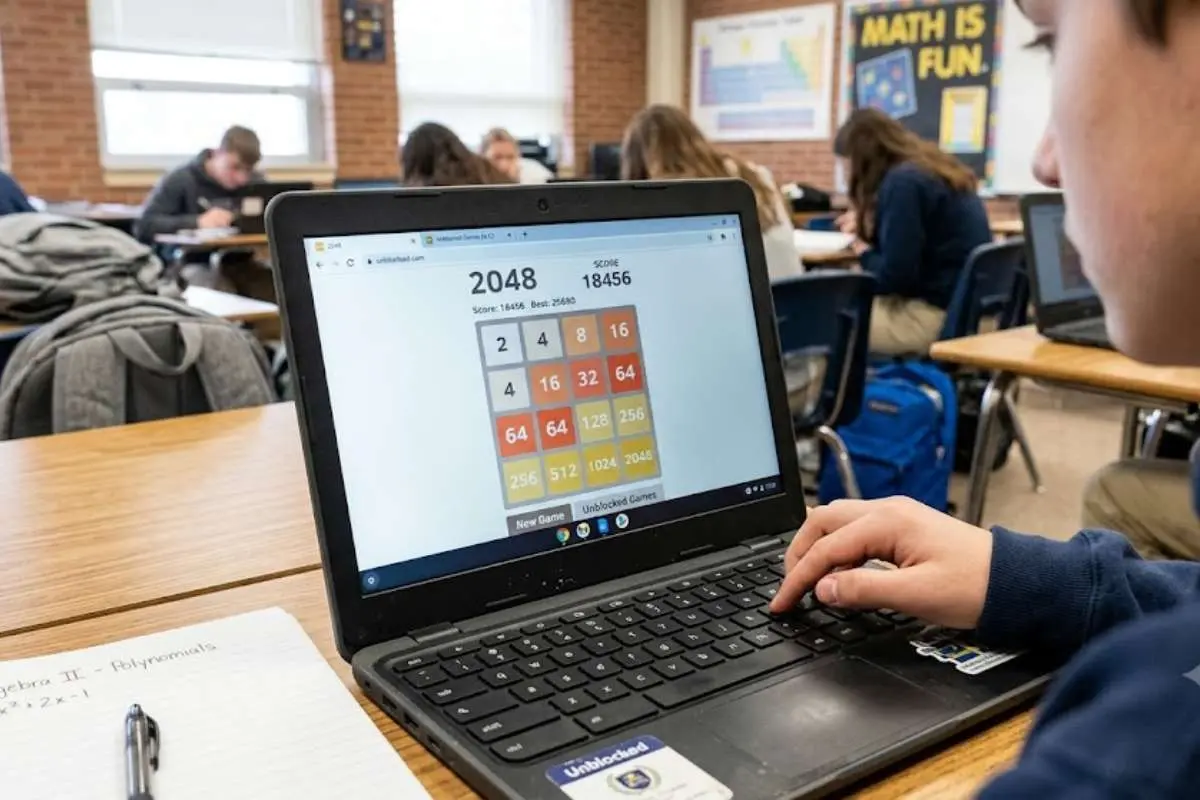
There is no universal list of games not blocked by school. Each school can use its own web filter, so a game may work at one school and be blocked at another.
This is common because schools have different network controls. In 2025, 57% of K–12 districts were using a next-generation firewall, which can provide web filtering and application controls, according to the Consortium for School Networking (CoSN).
The best way to check is to use your school’s approved sites or ask a teacher. Do not assume a game is allowed just because a friend can open it on another school network.
Which puzzle games are good for school?
Puzzle-based online games are a strong choice for school because many can be played alone and paused quickly.
Try:
- 2048
- Sudoku
- Minesweeper
- FreeCell
- Solitaire
- Tetris
- Jigsaw puzzles
- Crossword puzzles
- Logic games
These picks are simple, need little setup, and can help with skills such as planning and problem-solving.
What are good word games for students?
Word-based online games can give students a quick mental workout without needing a long match.
Try Wordle-style word puzzles, word searches, spelling games, anagrams, and simple crossword games. Choose versions with no public chat or user-created content.
For younger students, teacher-approved spelling and vocabulary games can also turn a short break into useful practice.
The best Google games for a quick school break
Google has several simple games that are easy to play in a browser. Popular options include Snake, Solitaire, Minesweeper, Pac-Man, and the Chrome Dino game.
These can work well for a short game break because most rounds are quick. They also avoid the long downloads and large updates that some modern games need.
Games at school: Is it a good choice for students?
Chess is one of the easiest games to fit into a school setting. It can be played against a computer or another player.
For school use, pick a site with clear privacy settings and avoid public chat if it is not needed. Chess can also be a good choice when students want a game that focuses on planning rather than fast action.
Why Minecraft can work in a school setting?
Minecraft can be school-friendly when it is used in the right setting. Online games such as Minecraft can support building, planning, problem-solving, and teamwork.
Common Sense Media lists Minecraft as age 8+ and notes its creative and learning value. Public servers can still expose children to strangers, so a private or school-managed world is a better choice.
For classroom use, teachers can also choose specific worlds or activities instead of letting students enter open public servers.
Is Roblox a good choice for a school break?
Roblox needs more care than simple puzzle online games because it is a platform with many user-made games.
Some experiences are suitable for children, while others may include fighting, chat, ads, or other content. Common Sense Media recommends checking individual Roblox experiences and age ratings before letting children play.
That makes Roblox different from a simple game such as Sudoku. The platform itself does not tell you whether every game inside it is suitable.
Why do schools block online games?
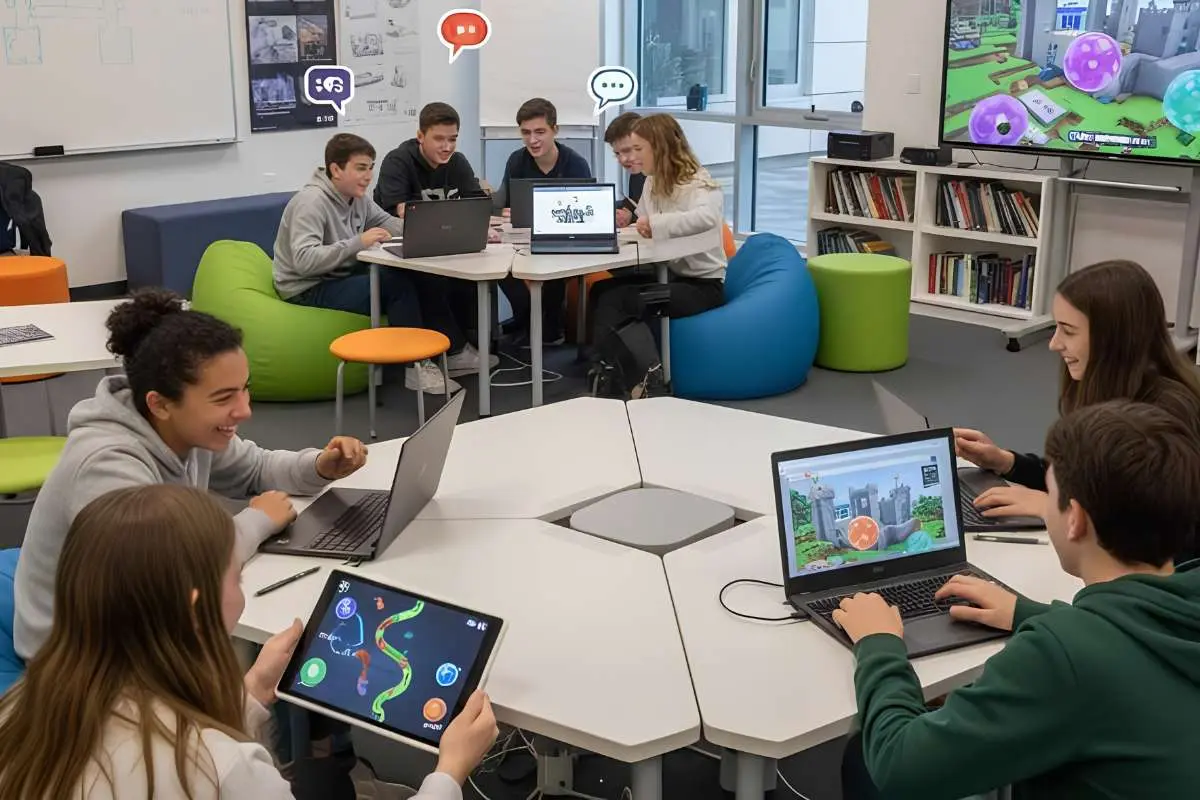
Schools may block such games to keep students focused, manage network use, and reduce access to unsuitable content.
A blocked game is not proof that the game is unsafe. An unblocked game is not proof that it is suitable either.
Schools can also use filters to limit:
- Public chat
- Ads
- Downloads
- Unknown websites
- User-created content
- Other online risks
The goal is usually to keep school devices and networks focused on learning.
How can students choose safe school games?
When choosing online games, check four things first:
- The game fits your age.
- It has little or no public chat.
- It does not ask for personal details.
- It does not require a download or unknown extension.
Current research also shows why these checks matter. Ofcom reported in 2026 that 72% of children aged 8 to 17 said they game online. 55% said they sometimes interact with people they have only met online.
A 2026 longitudinal study followed 1,331 adolescents and found that gaming patterns varied widely between groups. The researchers said schools should look at the context and purpose of gaming, not only the number of hours played.
Conclusion: How much gaming is okay during school?
Online games should never replace classwork, homework, or teacher instructions.
A short game during an approved break is very different from playing during a lesson. Keep games for the times your school allows them, and stop when the break ends.
The best approach is simple: finish your work first, follow school rules, and treat gaming as a short activity rather than a reason to avoid schoolwork.
FAQ about school-friendly games
1. What games can I play at school?
Try simple browser games such as Snake, Solitaire, Chess, Sudoku, Minesweeper, Tetris, and word puzzles, if your school allows them.
2. What games are not blocked by school?
There is no single list. School filters differ, so a game that works at one school may be blocked at another.
3. Are unblocked games safe?
Not always. A site being unblocked does not mean it is safe or age-appropriate. Check the site, game rating, chat features, ads, and privacy rules.
4. Can I use a VPN to play a blocked game?
If your school blocks a game, do not use a VPN or proxy to bypass the rule. Ask a teacher or school administrator instead.
5. What are the best school-appropriate games?
Simple puzzles, chess, checkers, Sudoku, word games, Solitaire, Snake, and other short browser games are good starting points when the school permits them.