
Businesses rarely have too few collaboration tools. Usually, they have too many. One team uses Teams for meetings, Slack for quick messages, Asana for projects, email for approvals, and a growing pile of AI tools for everything else. More software does not always mean better collaboration. Sometimes it just means more tabs, more notifications, and more places to lose the information you actually need.
The right Business Collaboration Tools should reduce that friction, clarify who owns what, and fit the way your teams already work. That means looking beyond popular platforms and understanding what each type of tool is actually built to do. Here, we will break down the main categories and where each makes the most sense.
What Should Business Collaboration Tools Actually Help Your Team Do?

Before choosing a tool, it helps to ask a slightly awkward question: what exactly do you need it to do? Most business collaboration tools are built to solve one of four problems.
- Communication keeps conversations, meetings, and quick decisions moving.
- Project management gives teams a clearer view of tasks, deadlines, and ownership.
- Async collaboration lets people contribute without everyone having to be online at the same time.
- AI-assisted collaboration can help find information, summarise discussions, and handle routine work.
The catch is that one tool rarely does all four equally well. A great messaging platform may be poor at managing projects. So instead of celebrating a busy chat feed, businesses should look at response times, project delays, adoption, and decision speed through Collaboration KPIs Metrics. More activity is not always more progress.
Business Collaboration Tools by Use Case: Communication, Project Management, Async and AI
Here is where things get a little more useful. Instead of asking which platform is “best,” start by asking what kind of work needs fixing. Different Business Collaboration Tools are built for different jobs, and knowing the difference can save your team from buying another shiny platform that nobody uses properly.
| Tool category | Examples | Best for | What to look out for |
| Communication | Microsoft Teams, Slack, Zoom | Messaging, meetings, quick decisions | Notification overload and scattered conversations |
| Project management | Asana, monday.com, Jira | Tasks, deadlines, ownership and project visibility | Can become admin-heavy if workflows are too complex |
| Async collaboration | Confluence, Notion, Loom | Documentation, updates and work that does not need a meeting | Information can become difficult to maintain or find |
| AI collaboration | Microsoft 365 Copilot, Slack AI, Asana AI | Search, summaries, automation and workflow support | Accuracy, permissions and over-reliance |
The categories are useful, but the lines between them are getting blurry. Microsoft Teams, for example, combines chat, meetings, file sharing and apps, while Slack brings together channels, huddles, integrations and workflow features. Zoom is more heavily focused on meetings and video communication, making it a different proposition when live conversations are the main need.
For project-heavy work, Asana, monday.com, and Jira take different approaches to organising tasks, deadlines, ownership, and project progress. For teams that need to keep work moving without another meeting, Confluence and Notion can support shared documentation, while Loom is useful for explaining something through a recorded video instead of adding another call to everyone’s calendar.
AI adds another layer. Microsoft 365 Copilot, Slack AI, and Asana AI can help with things such as finding information, summarising work, and supporting everyday workflows. The point is not to collect one tool from every row. It is to work out which type of problem you actually have before choosing what belongs in your stack.
The bigger issue is often the sheer amount of work moving through these systems. Microsoft’s 2025 Work Trend Index found that 80% of the global workforce lacks enough time or energy to get their work done, while 53% of leaders say productivity needs to increase. That is why enterprise buyers should start with the work problem, not the software brand.
Remote Team Collaboration Needs Fewer Synchronous Demands, Not More Apps

Remote teams do not necessarily need more meetings. They need better ways to decide when a meeting is actually worth having. Remote Team Collaboration works through a mix of synchronous and asynchronous work. Synchronous work means meetings, calls, and live discussions. Asynchronous work covers written updates, shared documents, project boards, and recorded information that people can pick up when they are available.
That distinction matters because Business Collaboration Tools can easily turn every small question into a notification or video call. Asynchronous collaboration tools give teams another option for updates and decisions that do not need an immediate response. If your calendar is becoming the main place where work happens, it may be time to look at How to Improve Remote Team Collaboration. The goal is not to eliminate live conversations. It is to save them for the conversations that actually need everyone in the room.
Enterprise Collaboration Gets Complicated When Every Department Picks Its Own Tool
Marketing has its platform. Engineering has another. Sales has somehow acquired three. Then everyone expects information to travel between them by magic. That is where Enterprise Collaboration gets messy.
The problem is not always the tool
Good Cross-Functional Collaboration depends on teams being able to find the right information, understand who owns a decision, and move work between departments without unnecessary handoffs. When every team works in a separate system, even simple Collaboration Between Departments can become a scavenger hunt.
That is why choosing collaboration tools for enterprise should start with the organisation’s existing workflow, not whichever platform has the flashiest demo. The right Business Collaboration Tools should fit into the wider technology stack and make work easier to coordinate.
What should enterprise buyers check?
Before adding another platform, look at:
- Integration: Does it work with existing systems?
- Identity and access: Can the right people access the right information?
- Security and governance: Can the business control data and usage?
- Search: Can employees actually find what they need?
- Adoption: Will teams use it consistently?
- Interoperability: Can information move between systems without creating more manual work?
If employees still have to check three platforms to find a project update, the business has not solved its collaboration problem. It has simply spread the problem across three platforms.
How Do You Choose Business Collaboration Tools Without Buying Another Problem?
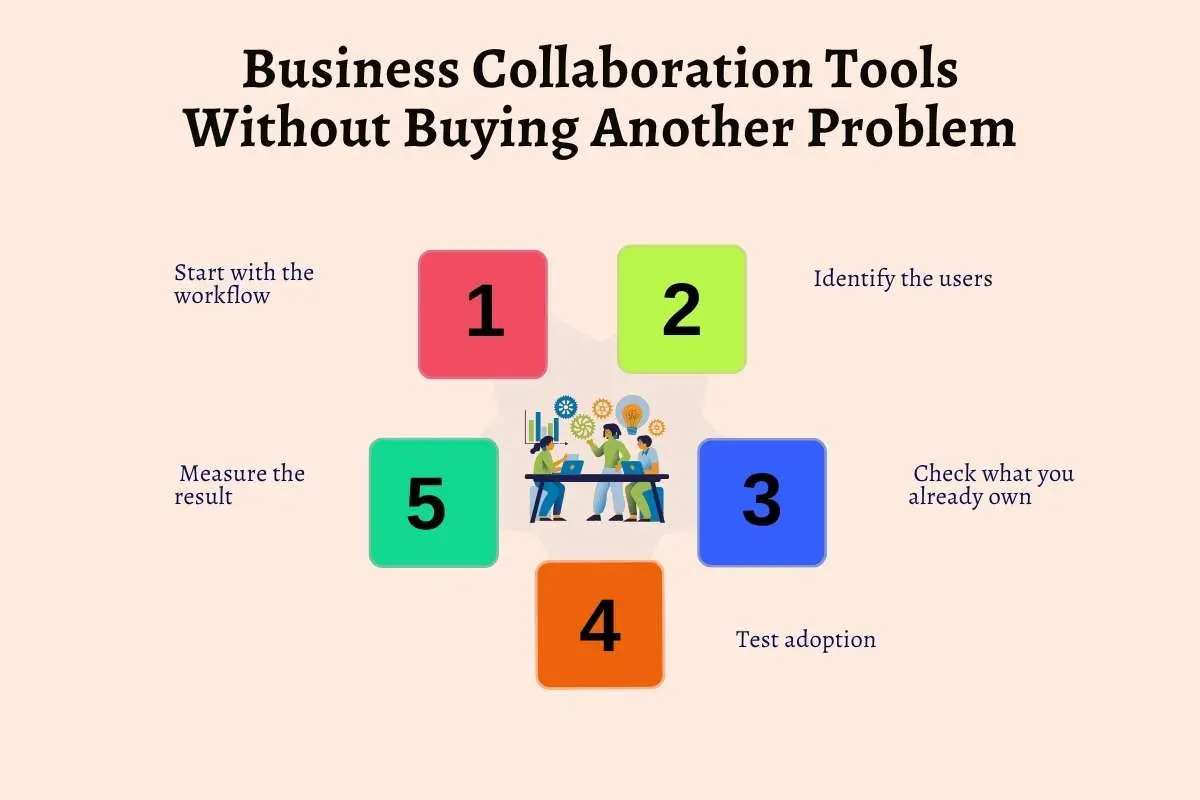
The worst way to choose a collaboration tool is to start with a product demo. A polished demo can make almost anything look essential. Start with the work instead.
1. Start with the workflow
What is actually breaking? Are tasks getting lost, decisions taking too long, or teams constantly asking for updates?
2. Identify the users
An executive, a project manager, a frontline worker, and a remote team may need very different things from the same platform.
3. Check what you already own
Before adding new Business Collaboration Tools, check whether your existing software already solves the problem. Duplicating features can create another system to manage without fixing the original issue.
4. Test adoption
A powerful platform is not much use if employees avoid it. Test it with the people who will use it every day.
5. Measure the result
Look for faster decisions, fewer handoffs, better visibility, or less unnecessary meeting time. If none of those improve, the tool probably was not solving the right problem.
For external workflows, the same thinking applies when How to Find Business Collaboration Partners becomes part of the equation: start with what the relationship needs before choosing the platform.
Microsoft Teams vs Slack for Enterprise: Does the Platform Actually Matter?
When it comes to Microsoft Teams vs Slack for Enterprise, the better choice often depends less on the feature list and more on the ecosystem around it.
| Consideration | Microsoft Teams | Slack |
| Best fit | Businesses already invested in Microsoft 365 | Businesses prioritising flexible communication |
| Communication | Chat, meetings and calls built into the Microsoft environment | Strong channel-based messaging and team communication |
| Files and productivity | Closely connected with Microsoft 365 apps and files | Strong integrations with third-party tools |
| Identity and access | Fits naturally with Microsoft’s identity and security ecosystem | Works across a broad range of external integrations |
| AI | Copilot can add AI assistance across the Microsoft environment | Slack AI supports search, summaries, and workspace knowledge |
| Enterprise appeal | Strong when Microsoft is already the core workplace stack | Strong when integration flexibility is a priority |
That ecosystem question becomes even more important as AI enters the picture. Microsoft Copilot for Business Collaboration can add search, summaries, and workflow support without requiring employees to move to another standalone platform.
So before comparing features, look at how the platform fits the work already happening around it. The right Business Collaboration Tools should support that workflow rather than force the business to rebuild it.
Where Business Collaboration Tools Are Heading as AI Enters the Workflow

AI in the workplace is moving beyond the “summarise this meeting for me” phase. The next step is helping people find information, connect it to the task at hand, and handle parts of the workflow. That is where AI in Business Collaboration starts to look less like a handy add-on and more like part of the working process.
You can already see this in products such as Microsoft 365 Copilot, which can help employees find information across their work, summarise meetings and emails, and work with content in apps such as Teams and Word. Slack AI can summarise conversations and help employees find information across their workspace, while Asana AI can assist with tasks, projects and workflow-related work. The point is not that every business suddenly needs all three. It is that AI is becoming part of the tools people already use to get work done.
Microsoft’s 2026 Work Trend Index shows how quickly this shift is developing, with AI and agents increasingly taking on execution while people focus more on directing work and making decisions.
For businesses, the Future of Business Collaboration will likely involve people working alongside AI that can retrieve information, coordinate tasks, and act on instructions. Business Collaboration Tools will need to support that shift without turning every workflow into an experiment in agentic AI collaboration enterprise.
The Best Tool Is the One That Makes Work Easier to Coordinate
There is no magic collaboration platform that suddenly makes a messy workflow run smoothly. If people still cannot find the latest project update, know who owns a decision, or work out where a conversation happened, another app probably is not the answer.
The useful Business Collaboration Tools are the ones that make those everyday problems less annoying. So start with the work itself. Where are things getting stuck? What are people doing twice? What keeps getting lost? Fix those problems first, then choose the technology around them.
For the bigger picture, Business Collaboration looks at how the people, structures, and working relationships behind those tools shape collaboration across the business.
Frequently Asked Questions
1. What are business collaboration tools?
Business collaboration tools are software platforms that help teams communicate, manage projects, share information, coordinate tasks, and work together more effectively.
2. What types of business collaboration tools do companies use?
The main types include communication platforms, project management software, asynchronous collaboration tools, and AI-powered tools for search, summaries, and workflow automation.
3. How do I choose the right collaboration tools for my business?
Start by identifying where work gets stuck, then consider your teams, existing software, security needs, integrations, adoption, and the results you want to improve.
4. Are business collaboration tools useful for remote teams?
Yes. They can help remote teams communicate, manage projects, share updates, and work asynchronously without relying on constant meetings or real-time communication.
5. What is the difference between Teams and Slack for business collaboration?
Teams is often a strong fit for organisations already using Microsoft 365, while Slack suits businesses that prioritise flexible communication and extensive third-party integrations.